
Resume templates with photo
7 professional resume templates with photo — every design is free to edit and preview before download.
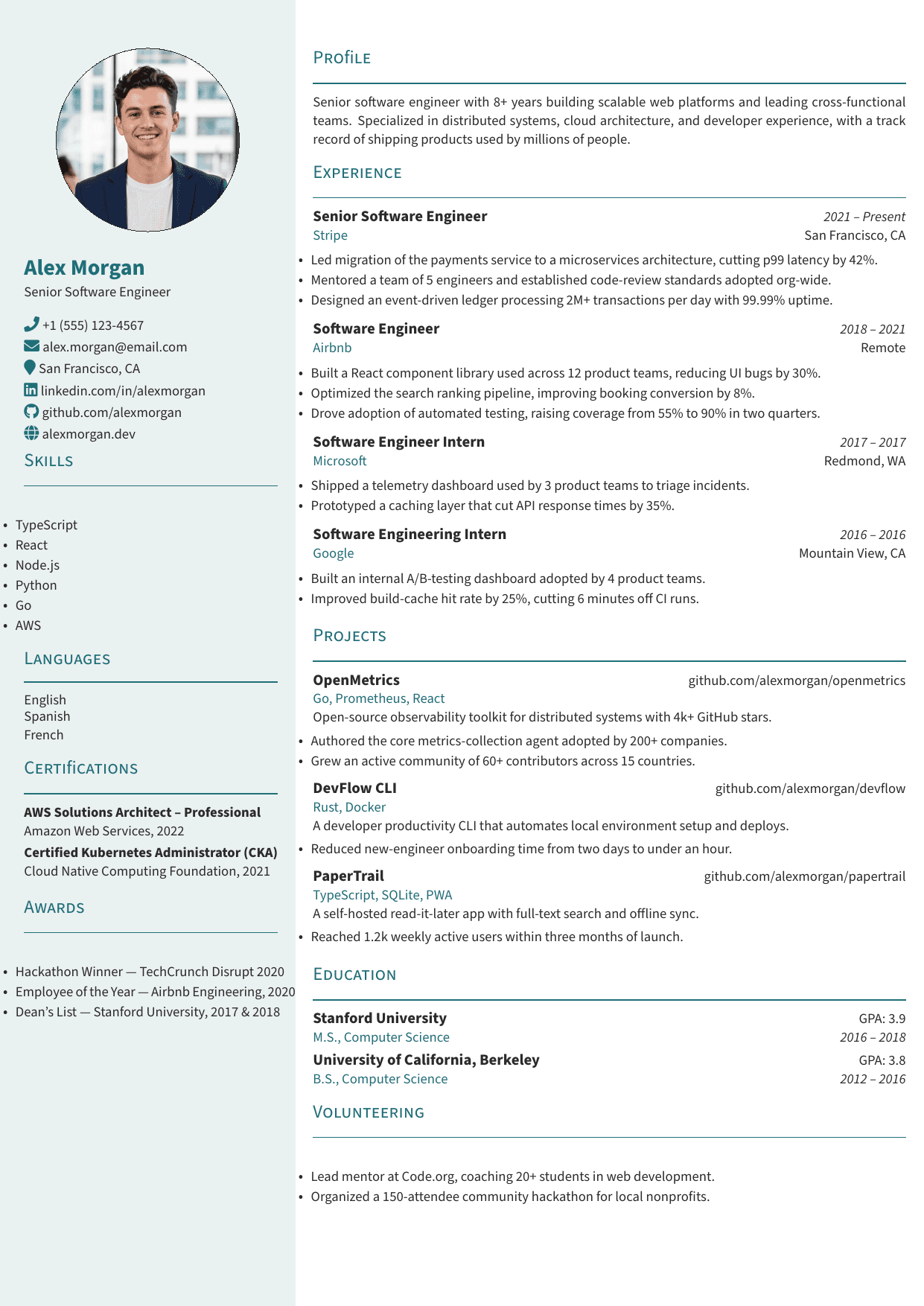
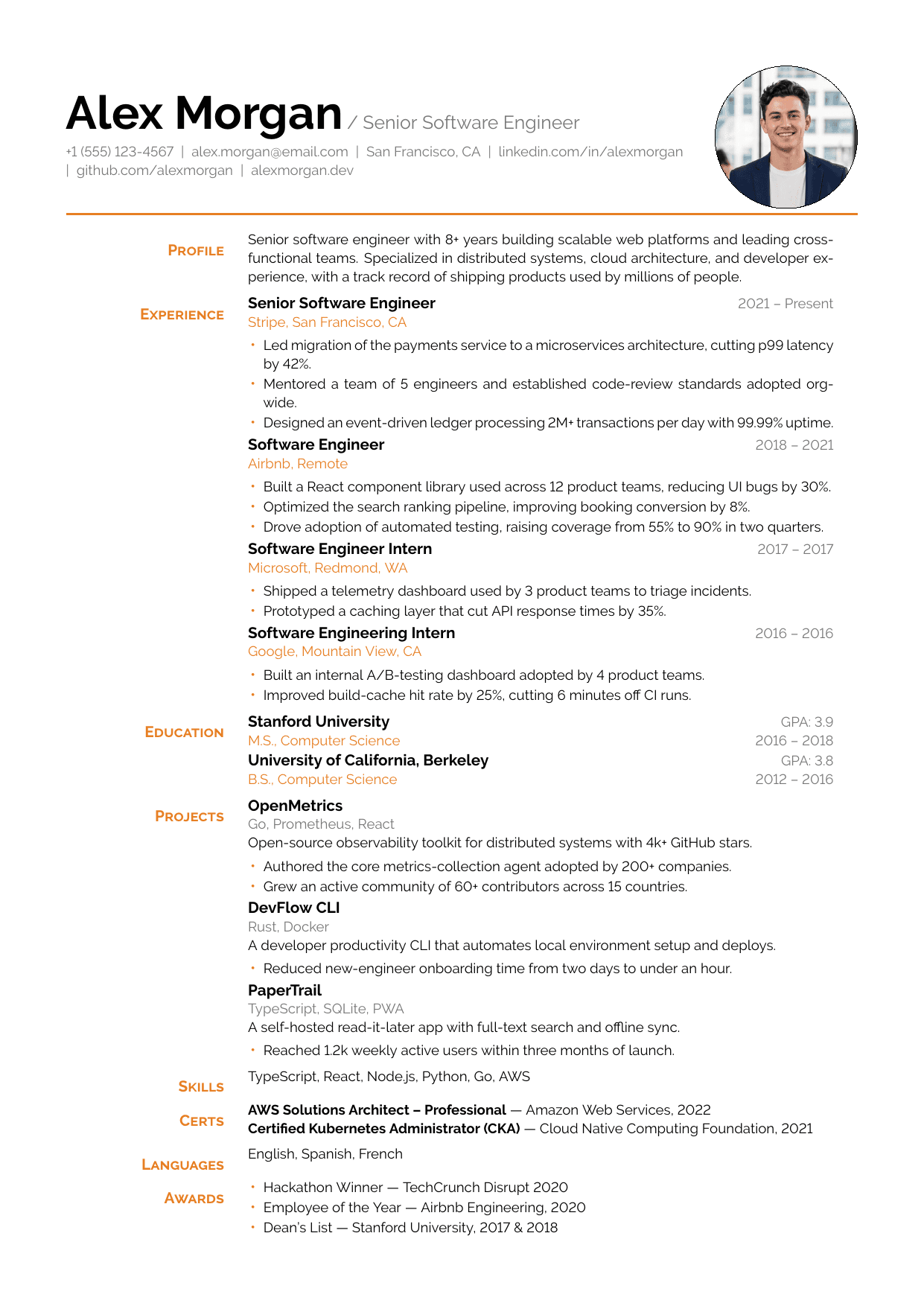
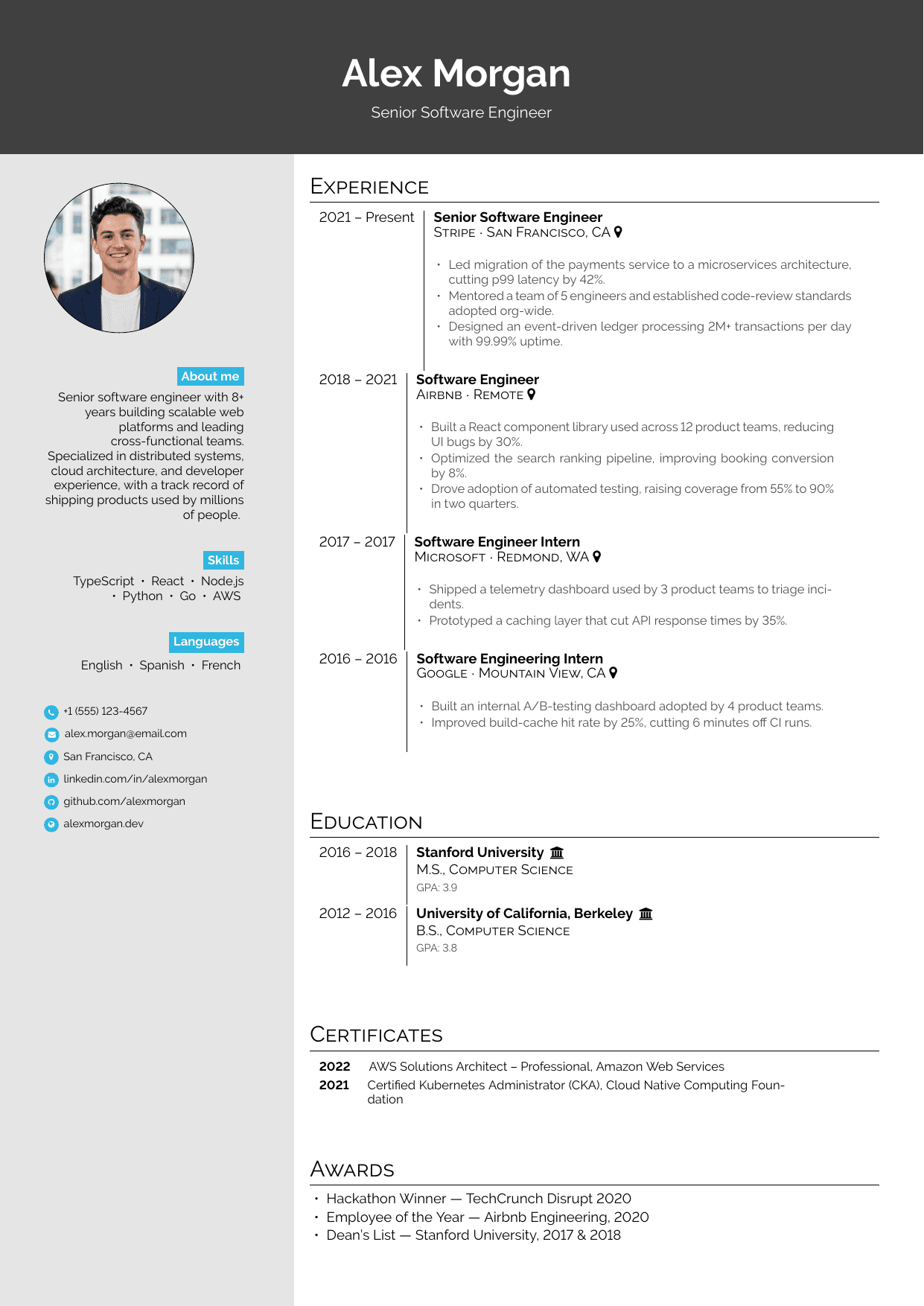
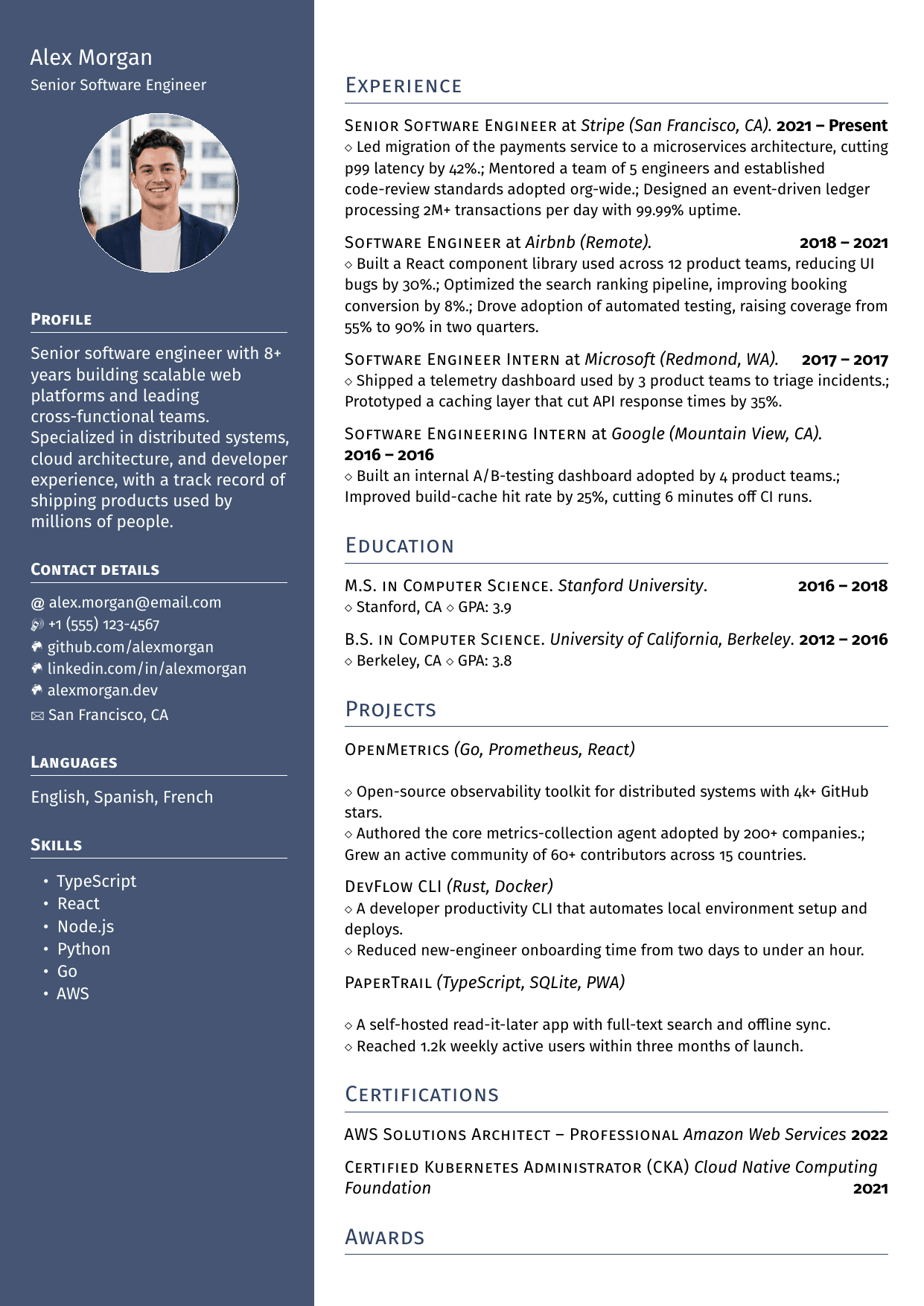

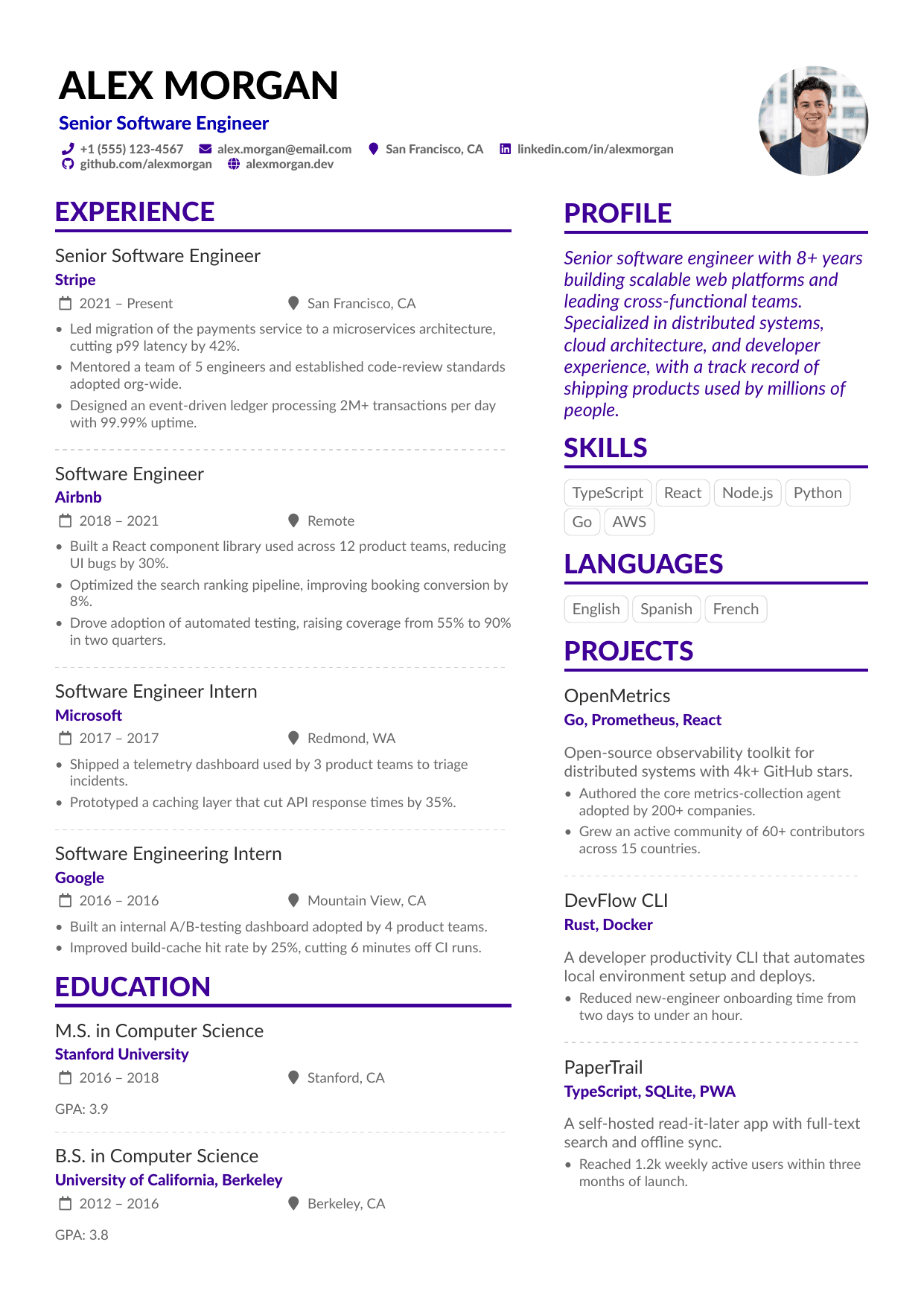
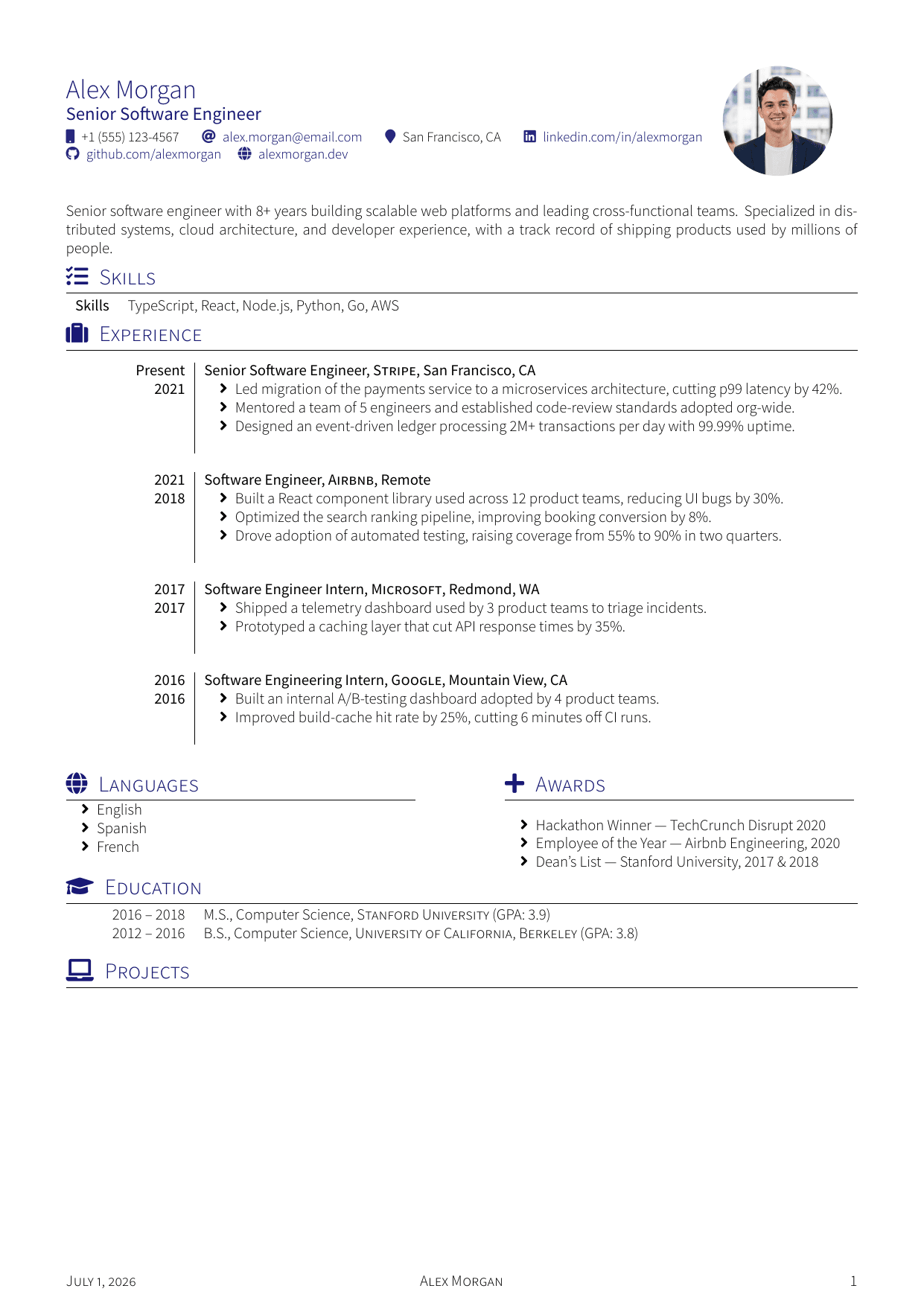
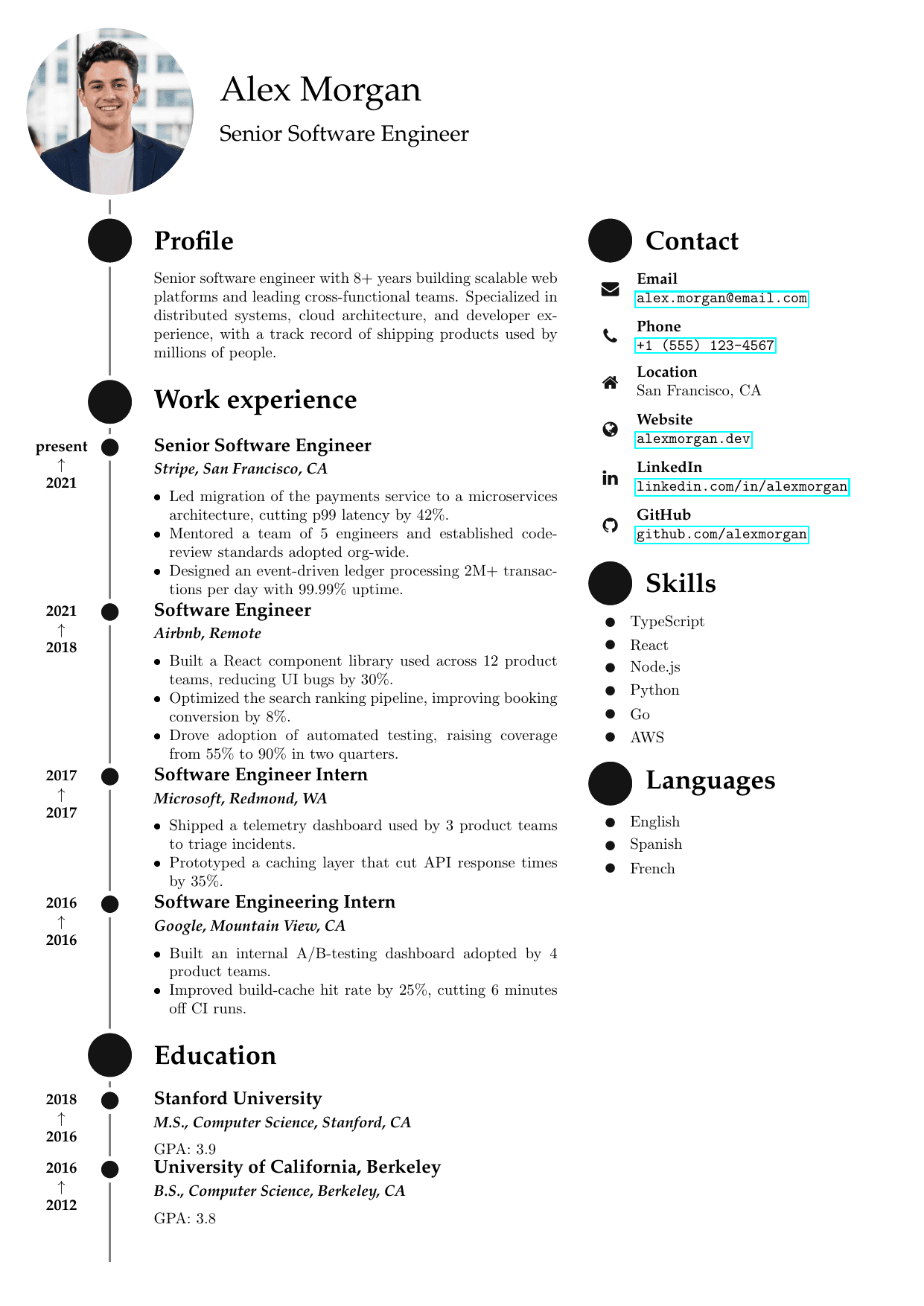
How to use resume templates with photo
- Only add a photo where it's the local norm (Germany, France, UAE, much of Asia) — for US/UK/Canada applications, use a no-photo design instead.
- Use a plain-background, professional headshot; the photo slot is optional in every design here.
- Photo layouts are usually sidebar or styled designs — if the application goes through an ATS, submit the no-photo variant or a single-column design.
- Keep the rest of the resume identical to a no-photo version: same keywords, same quantified bullets.
FAQ
- Should I put a photo on my resume?
- Depends on the market. Photos are customary in much of continental Europe, the Middle East, and parts of Asia, and expected on some international CV formats. In the US, UK, Canada, and Australia they are discouraged — recruiters may even discard photo resumes to avoid bias-related concerns. Match the convention of the country you're applying in.
- Do photo resumes pass ATS screening?
- The photo itself is ignored by parsers, but photo templates are often sidebar or multi-column layouts whose text can extract out of order in strict ATS parsers. If you're applying through an online portal, prefer a single-column design; save the photo version for direct-email applications and markets that expect it.
- Can I remove the photo from these templates?
- Yes. The photo slot is optional in every design listed here — leave it empty and the layout adjusts. That lets you keep one design and export a photo version for markets that expect it and a clean version for everywhere else.