
One page resume templates
15 professional one page resume templates — every design is free to edit and preview before download.
15 one page resume templates
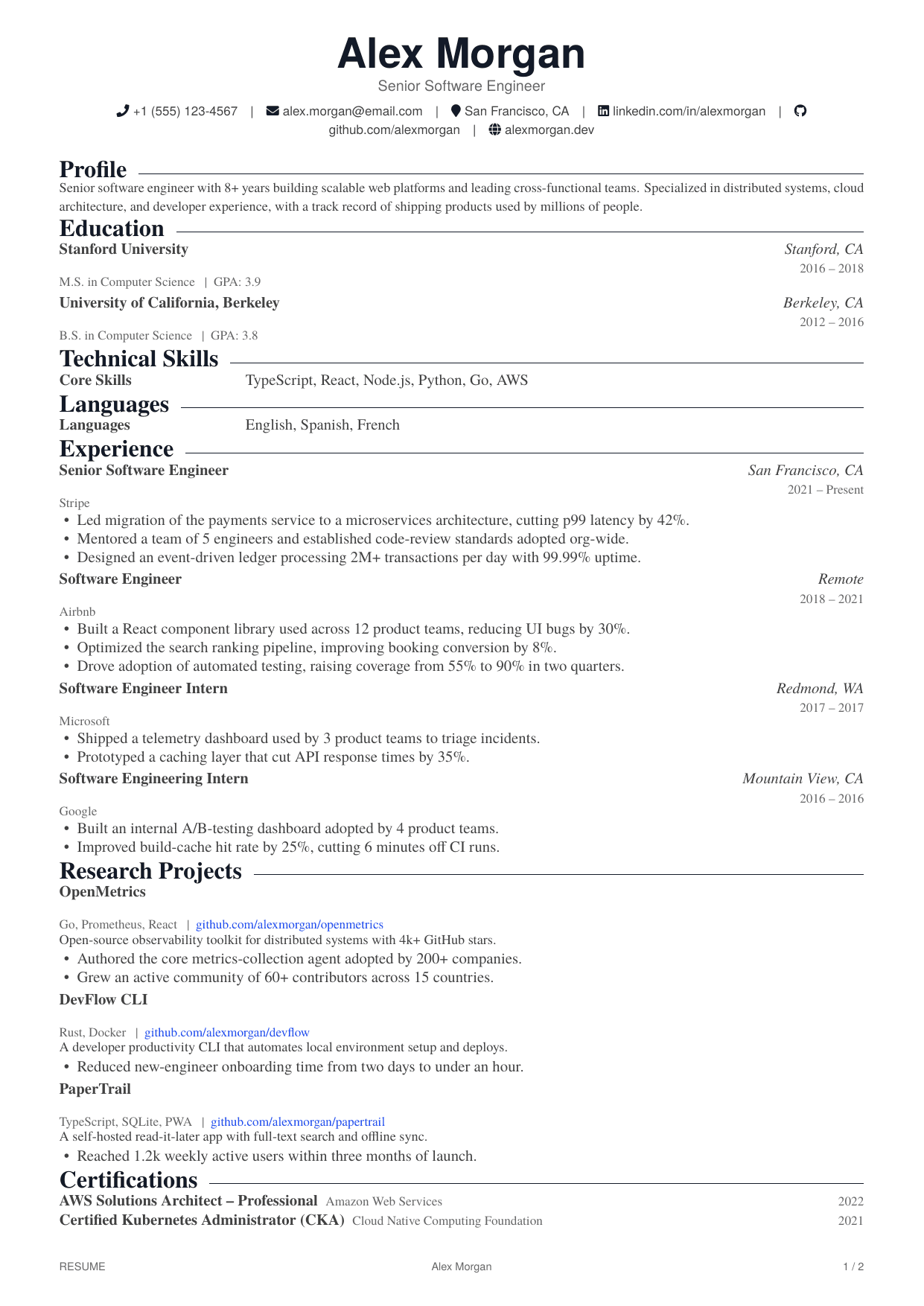
Research Scientist
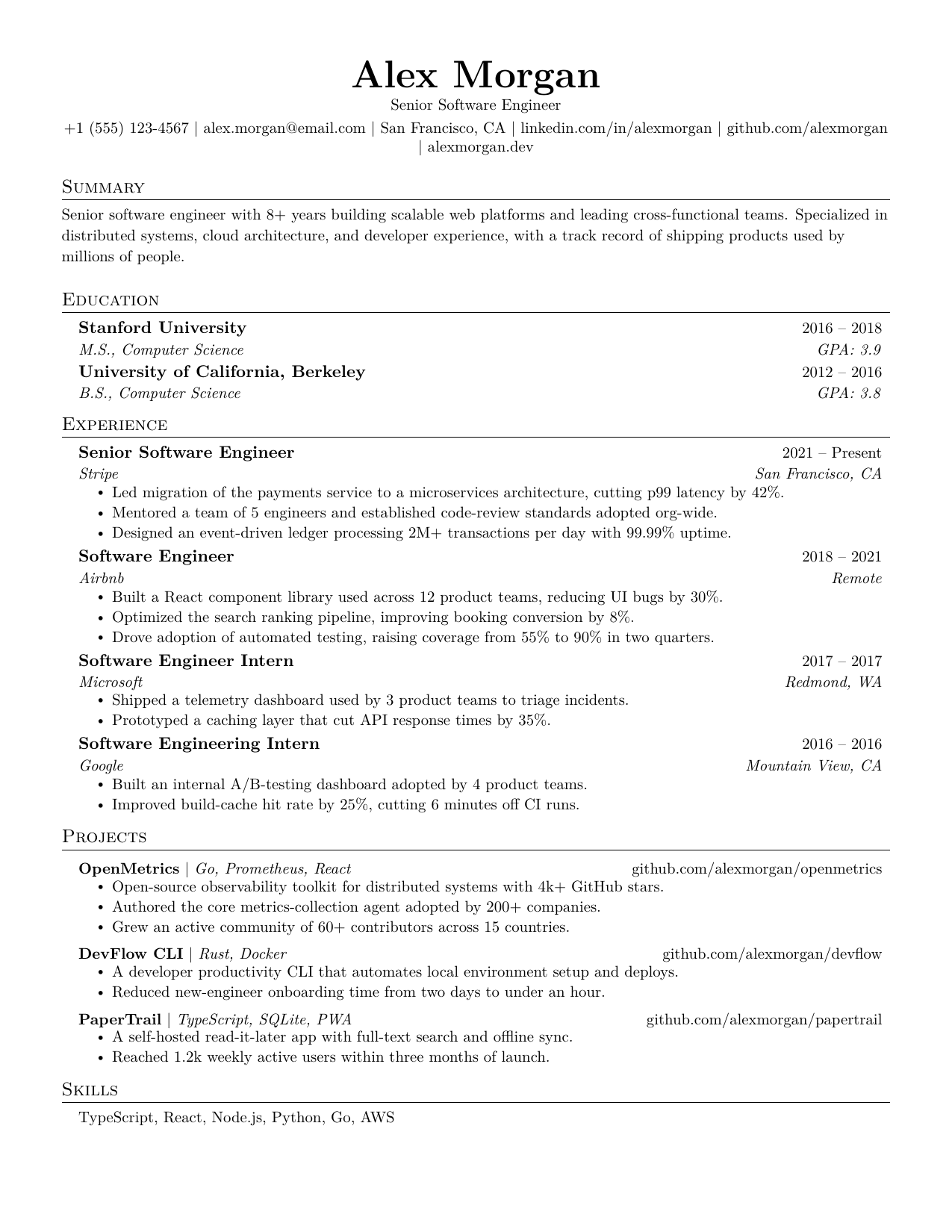
Software Engineer
GitHub
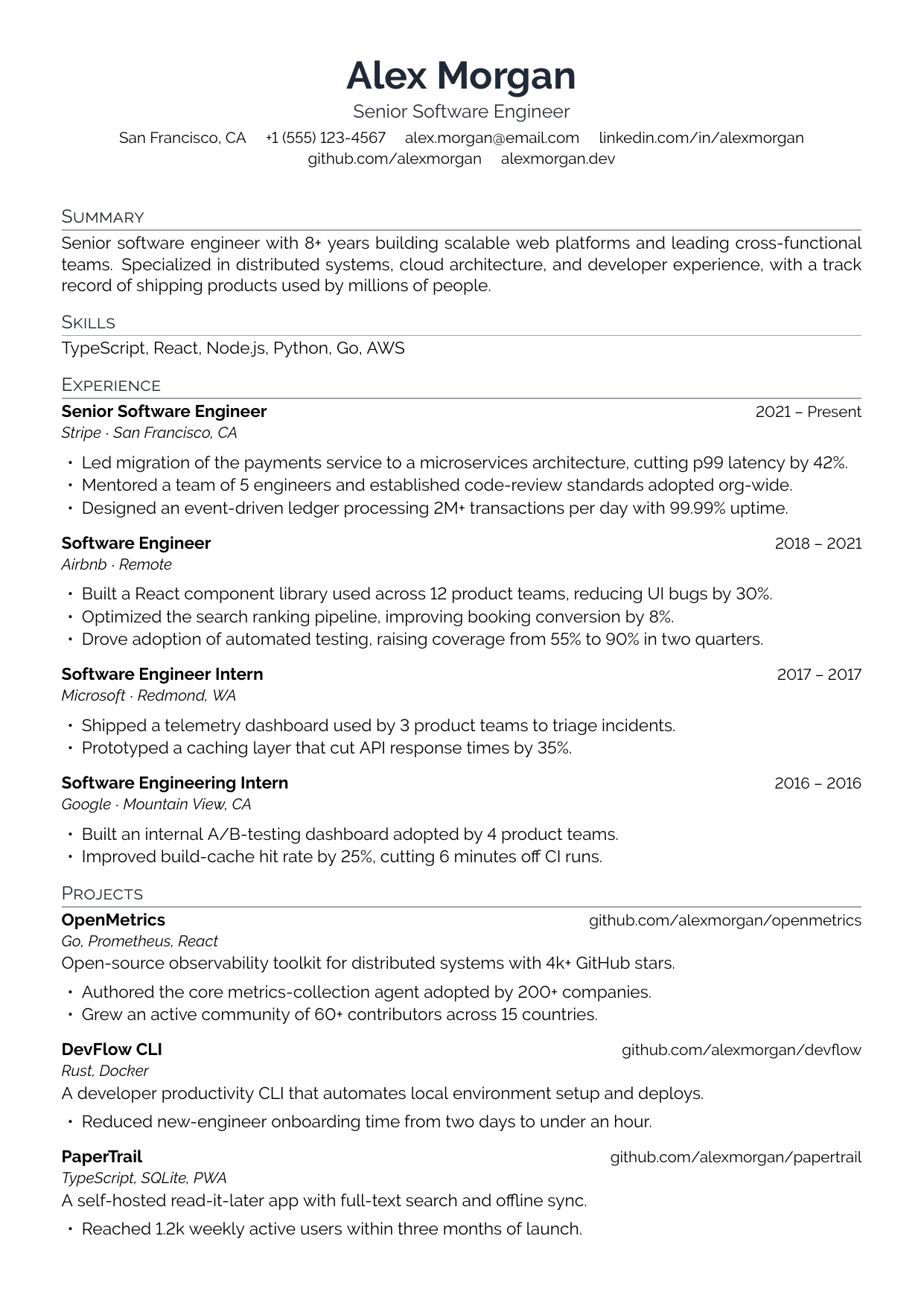
Project Manager
Asana
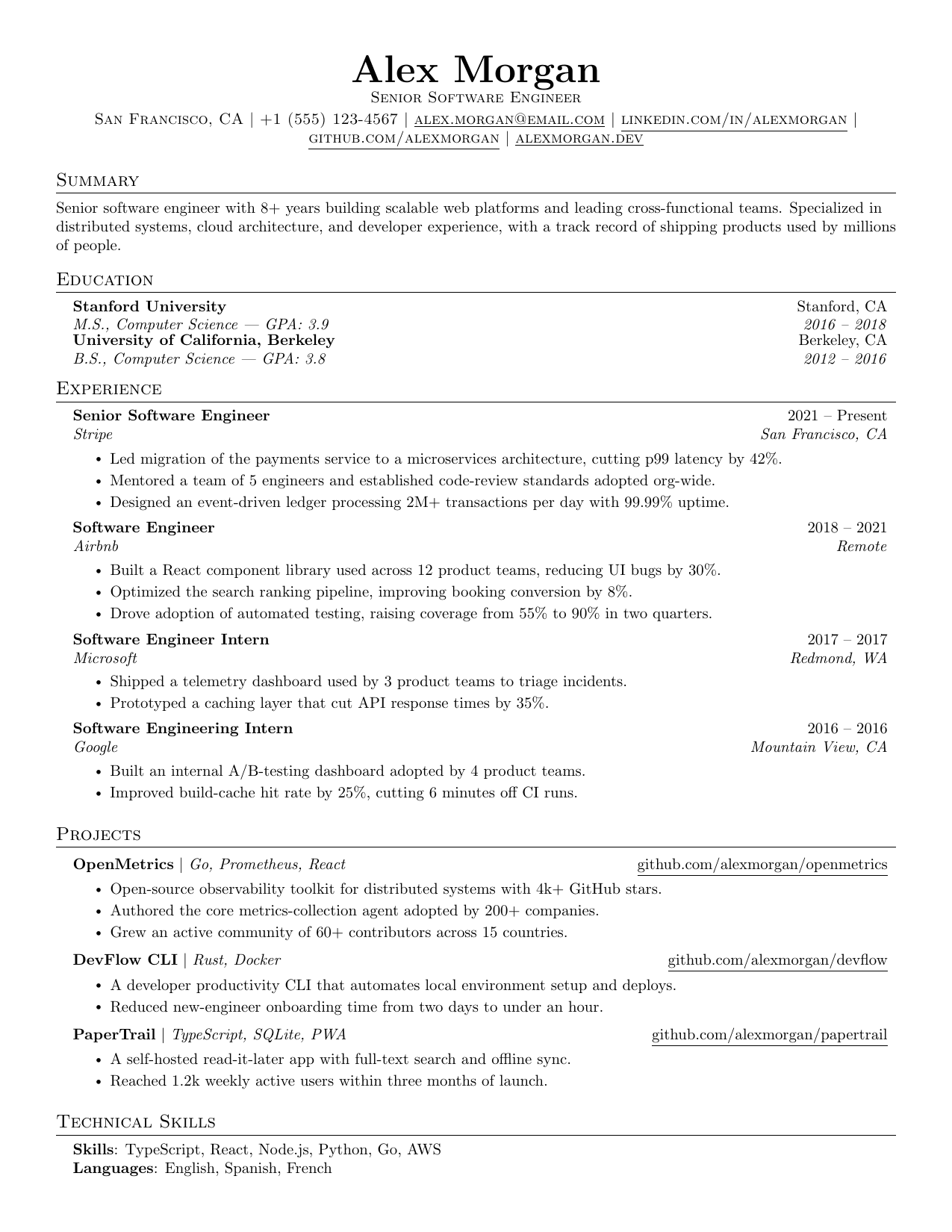
Business Analyst
SAP
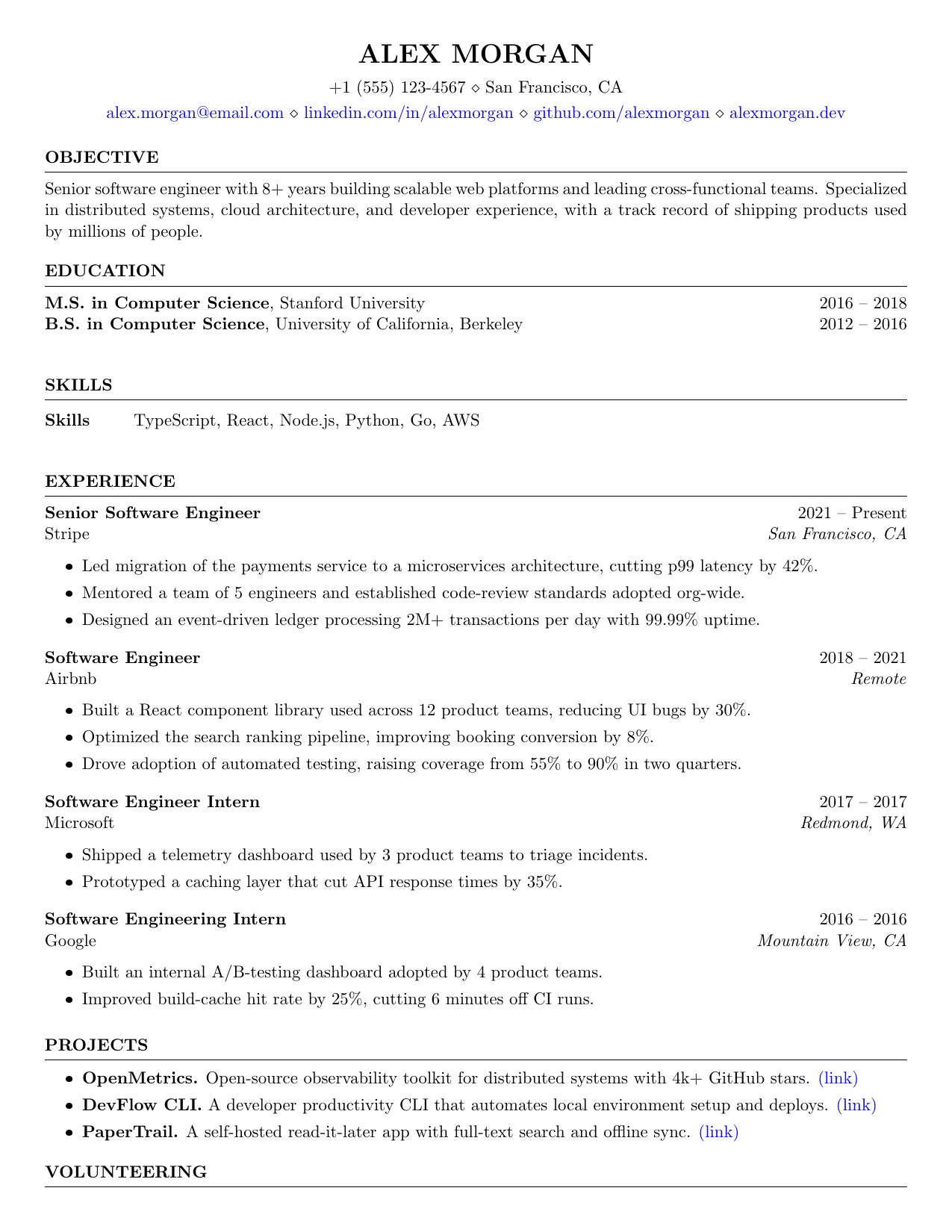
Software Engineer Intern
NVIDIA
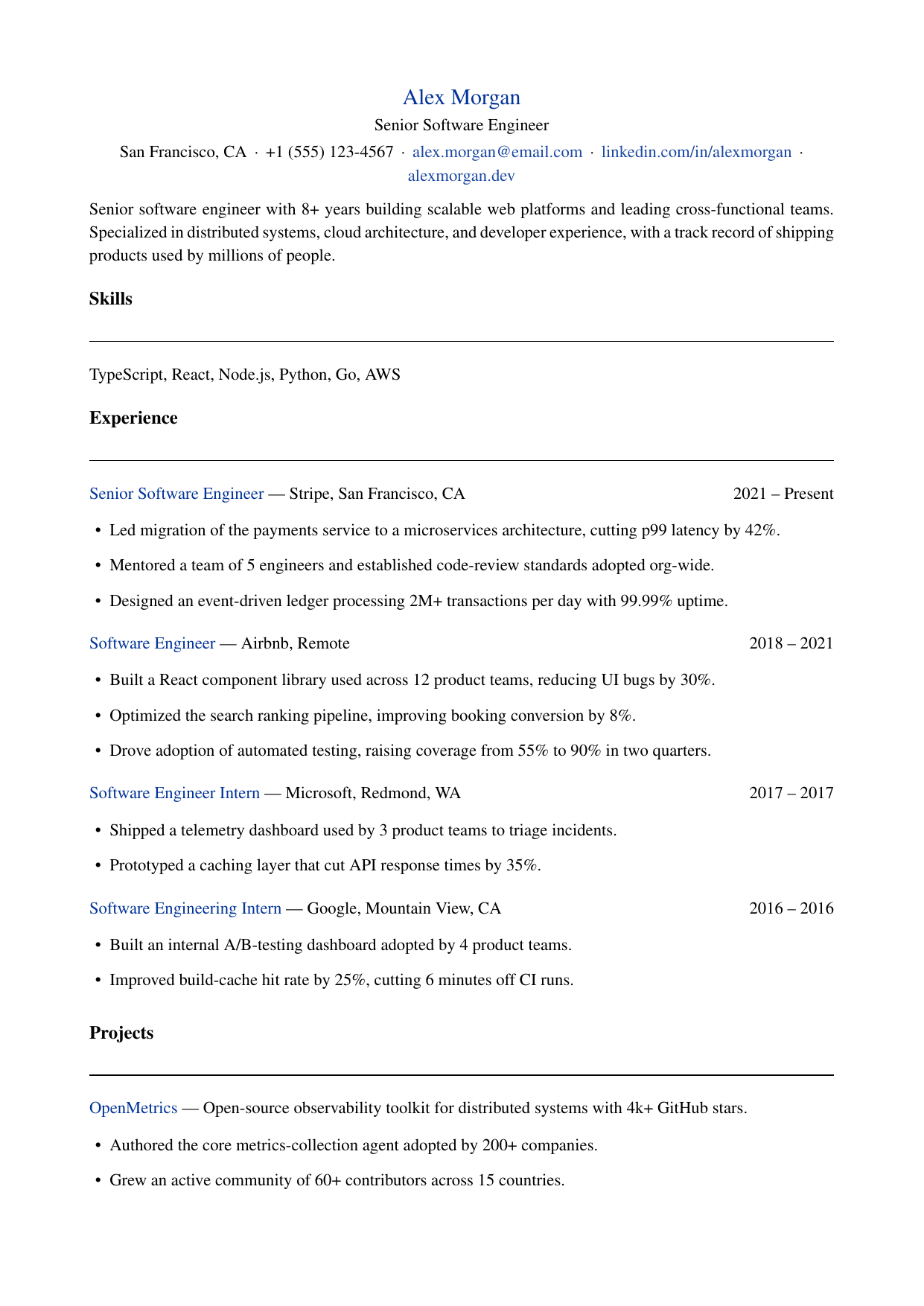
Registered Nurse
Mayo Clinic
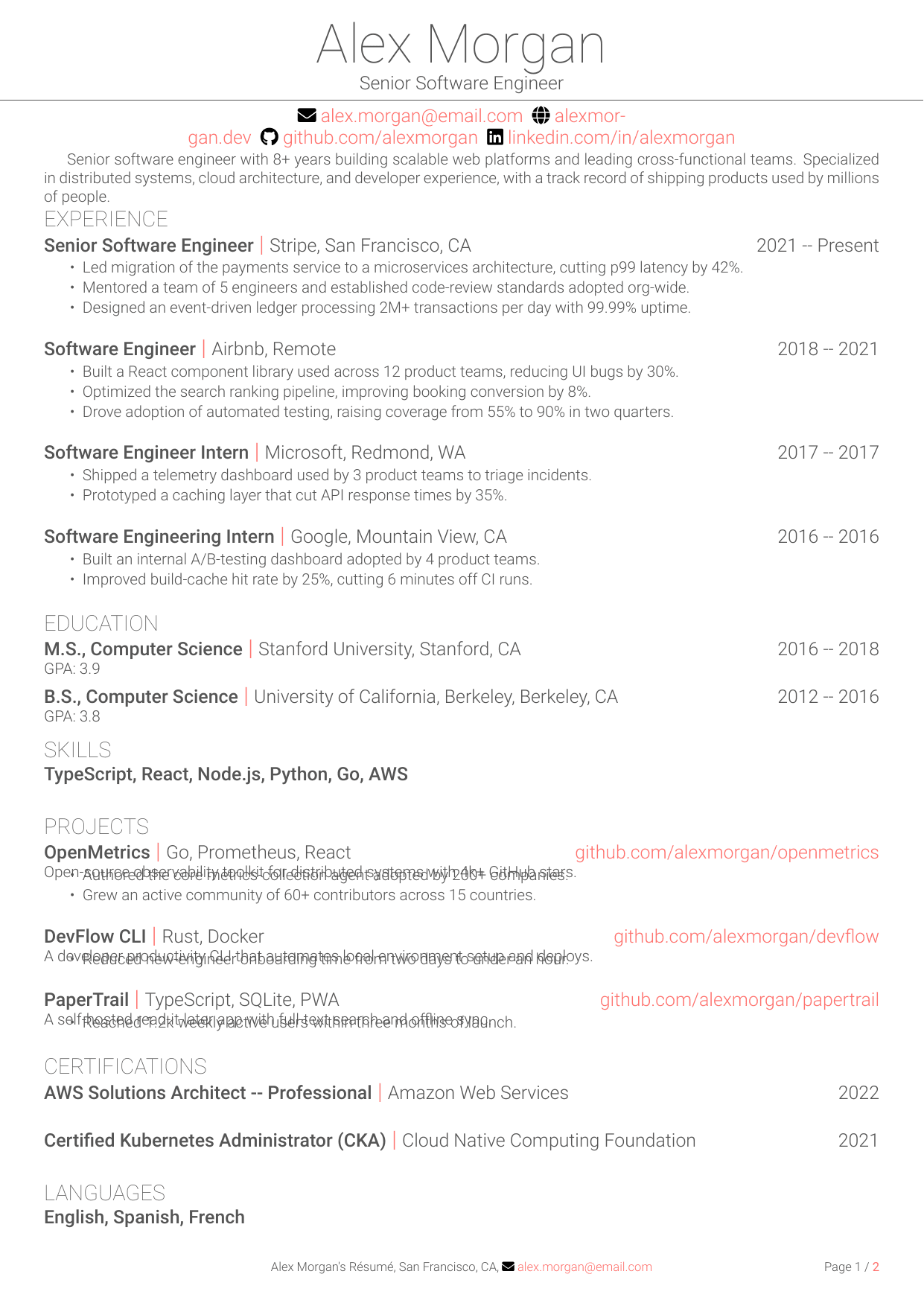
Pharmacist
CVS Health
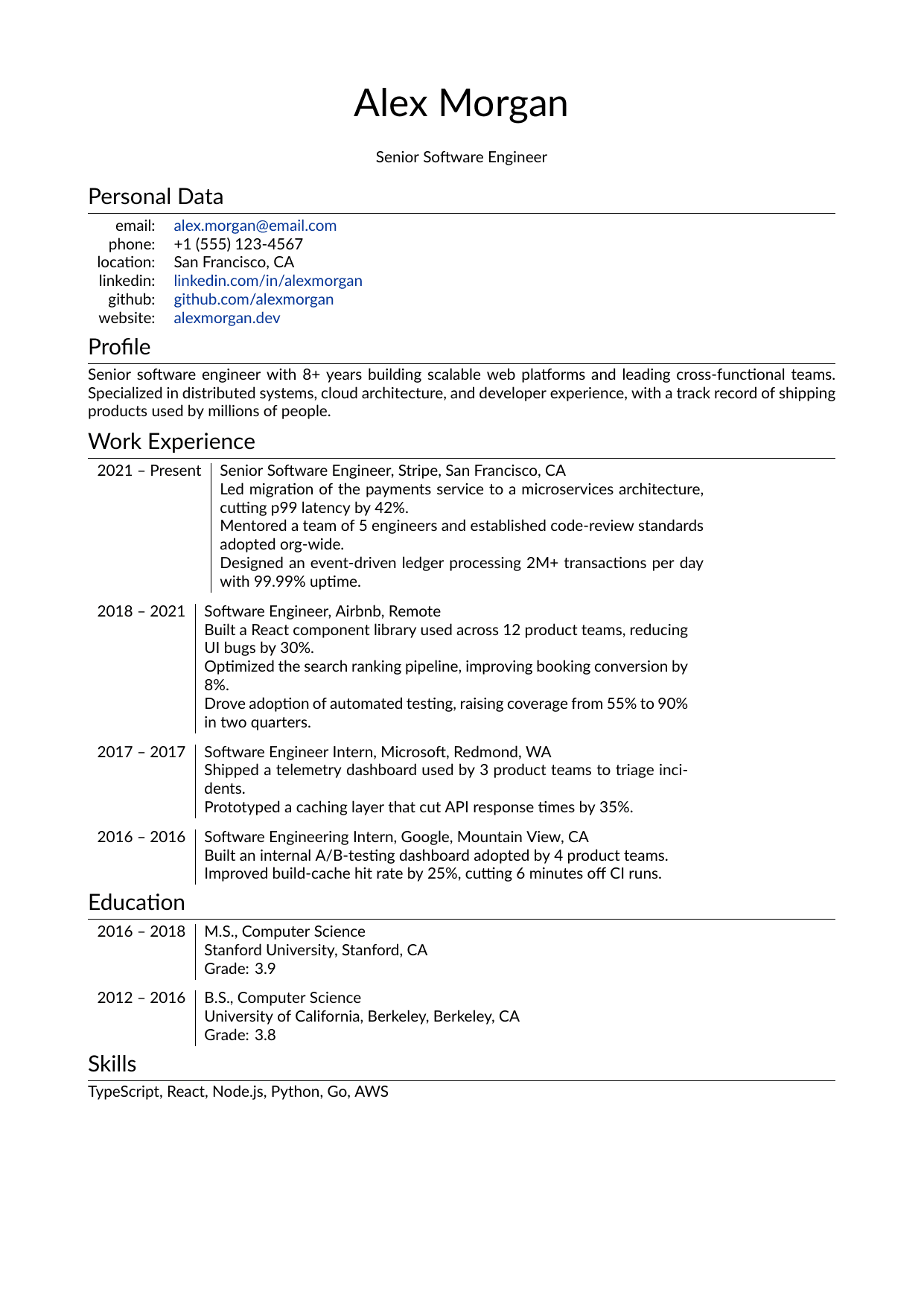
Administrative Assistant
American Express
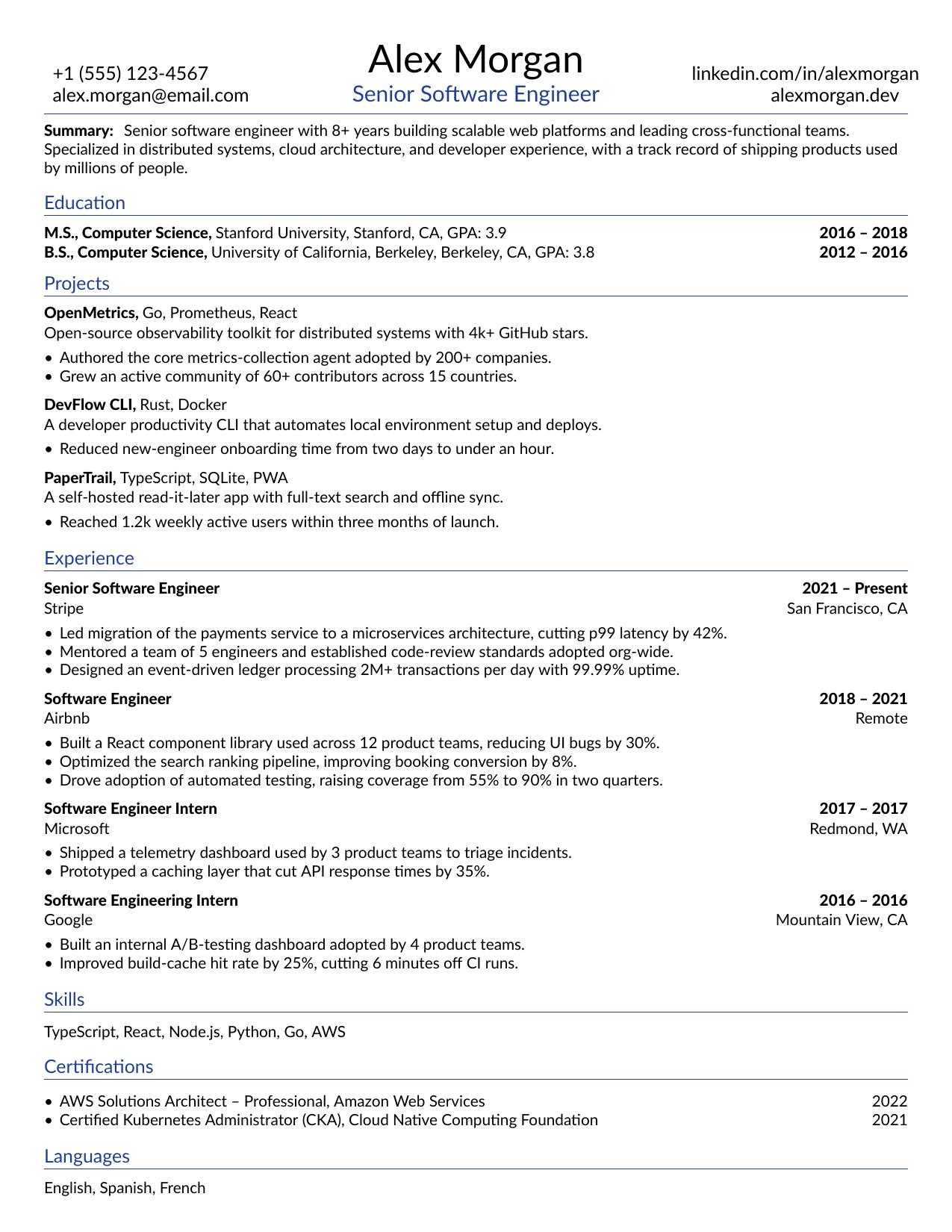
Store Manager
Trader Joe's
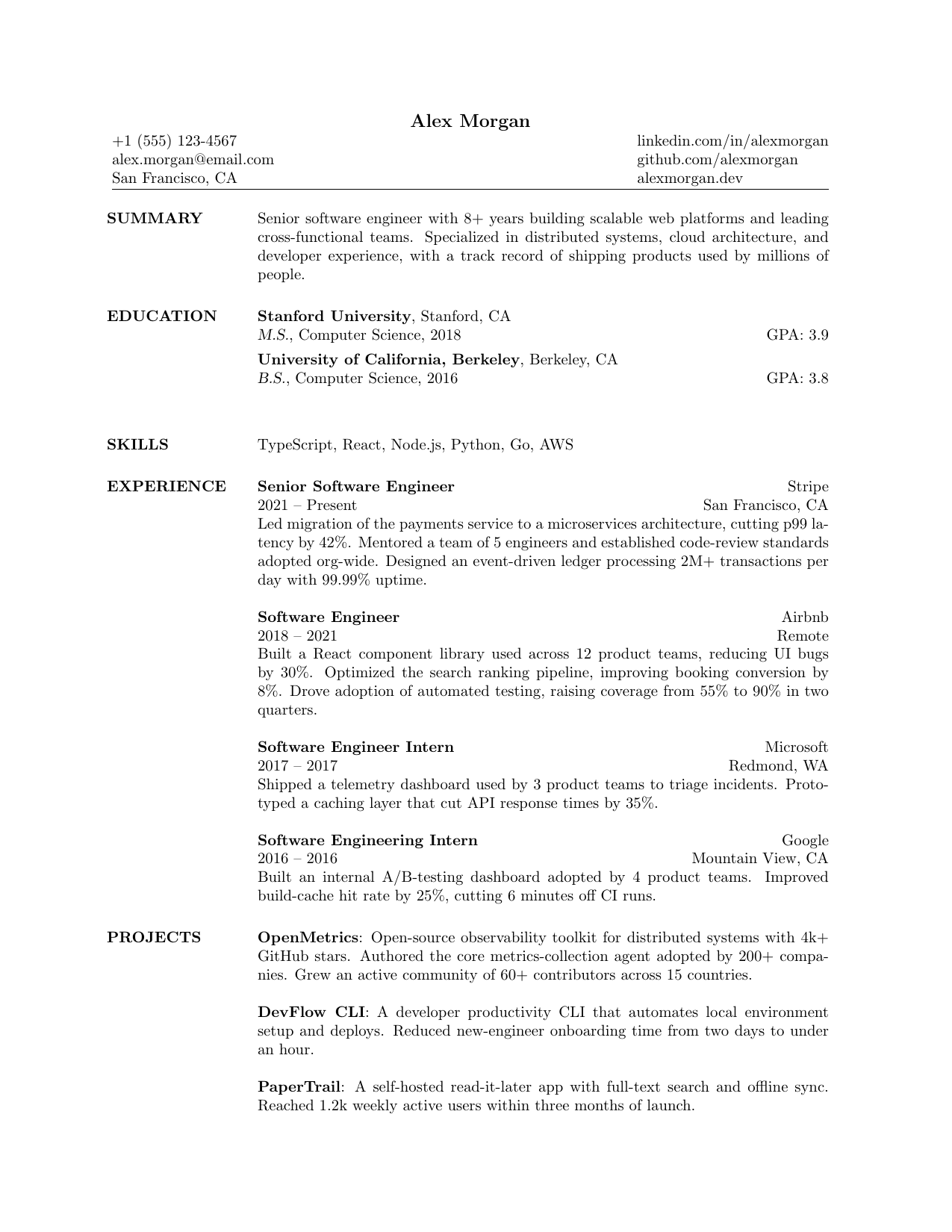
College Student
Disney
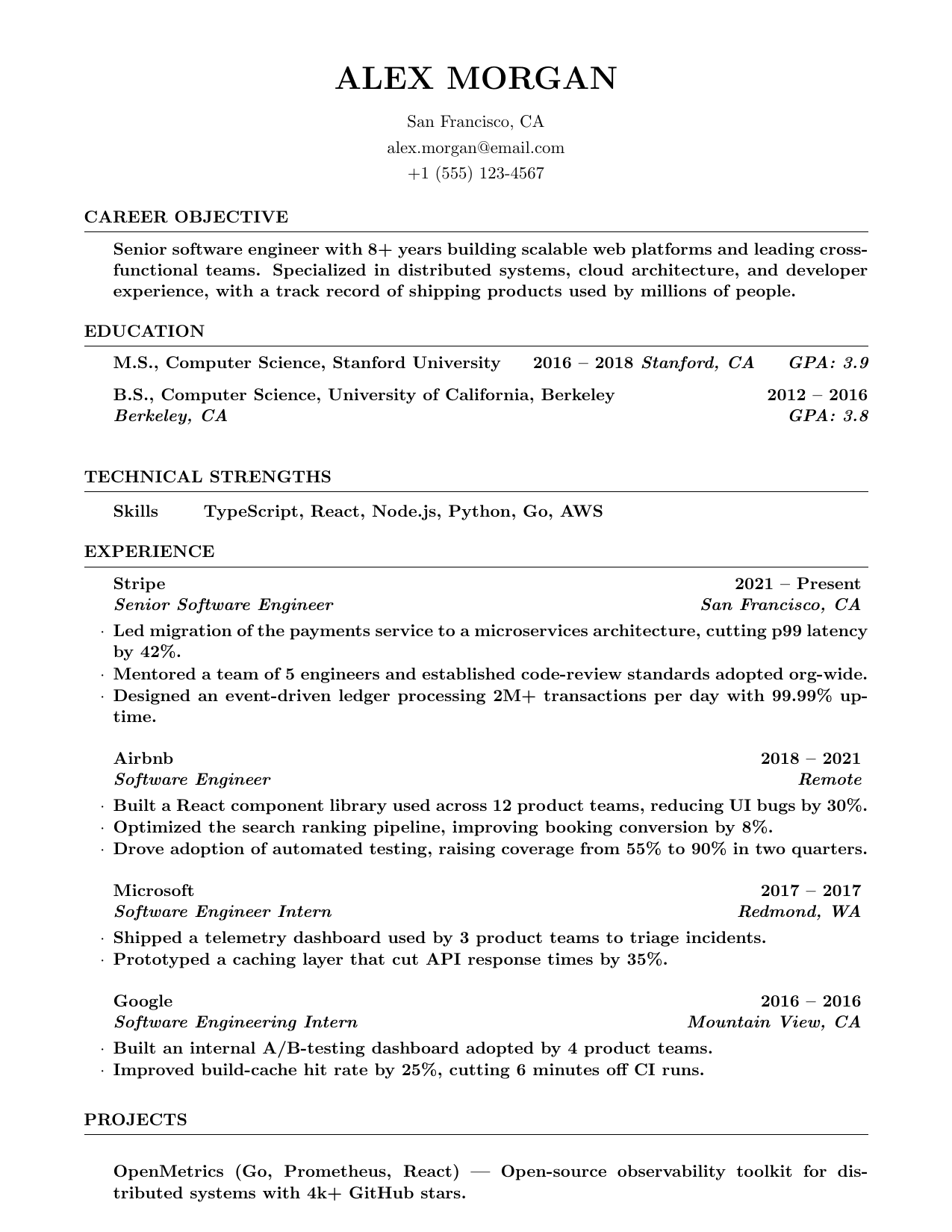
IT Support Specialist
Dell
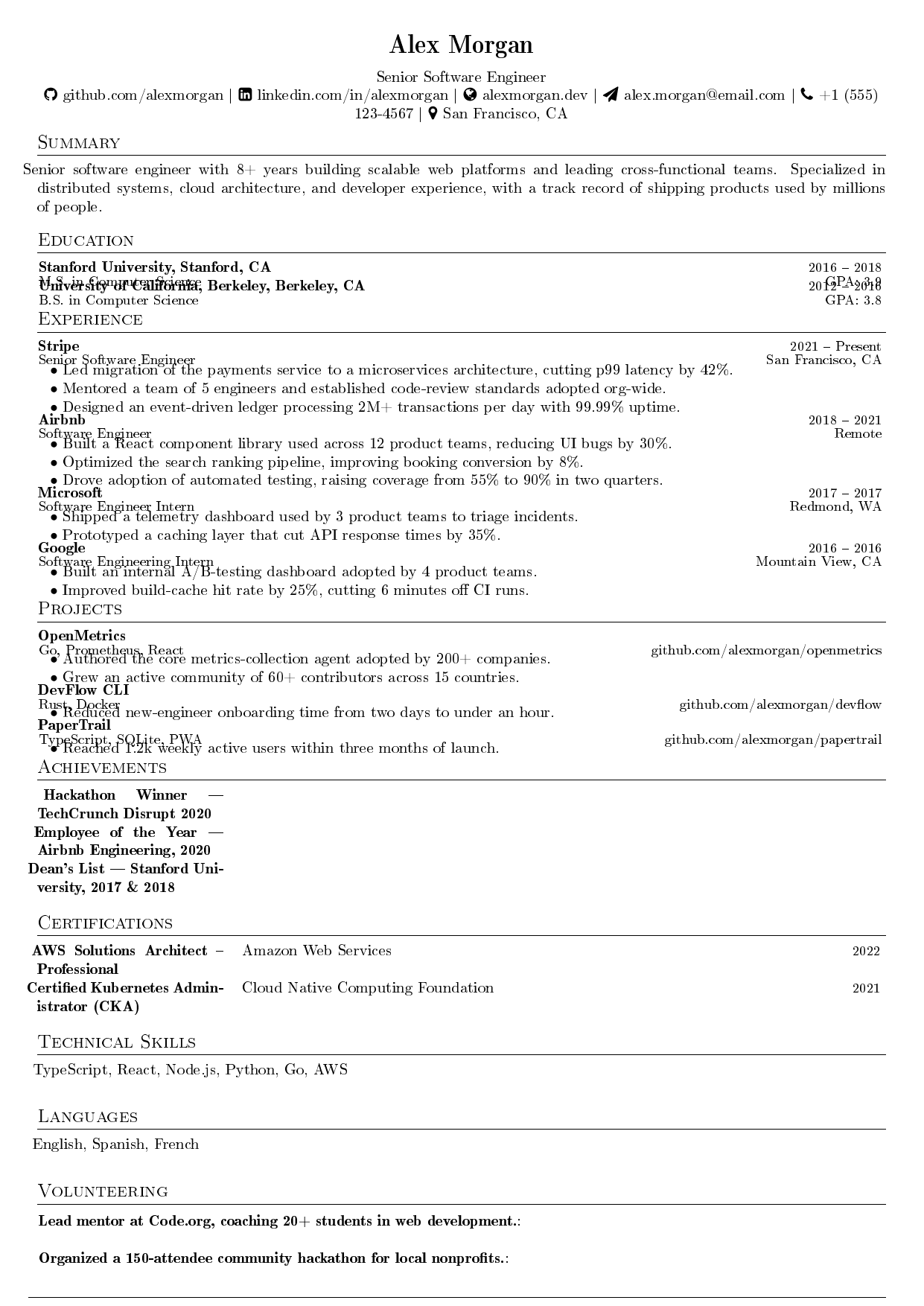
Python Developer
Reddit
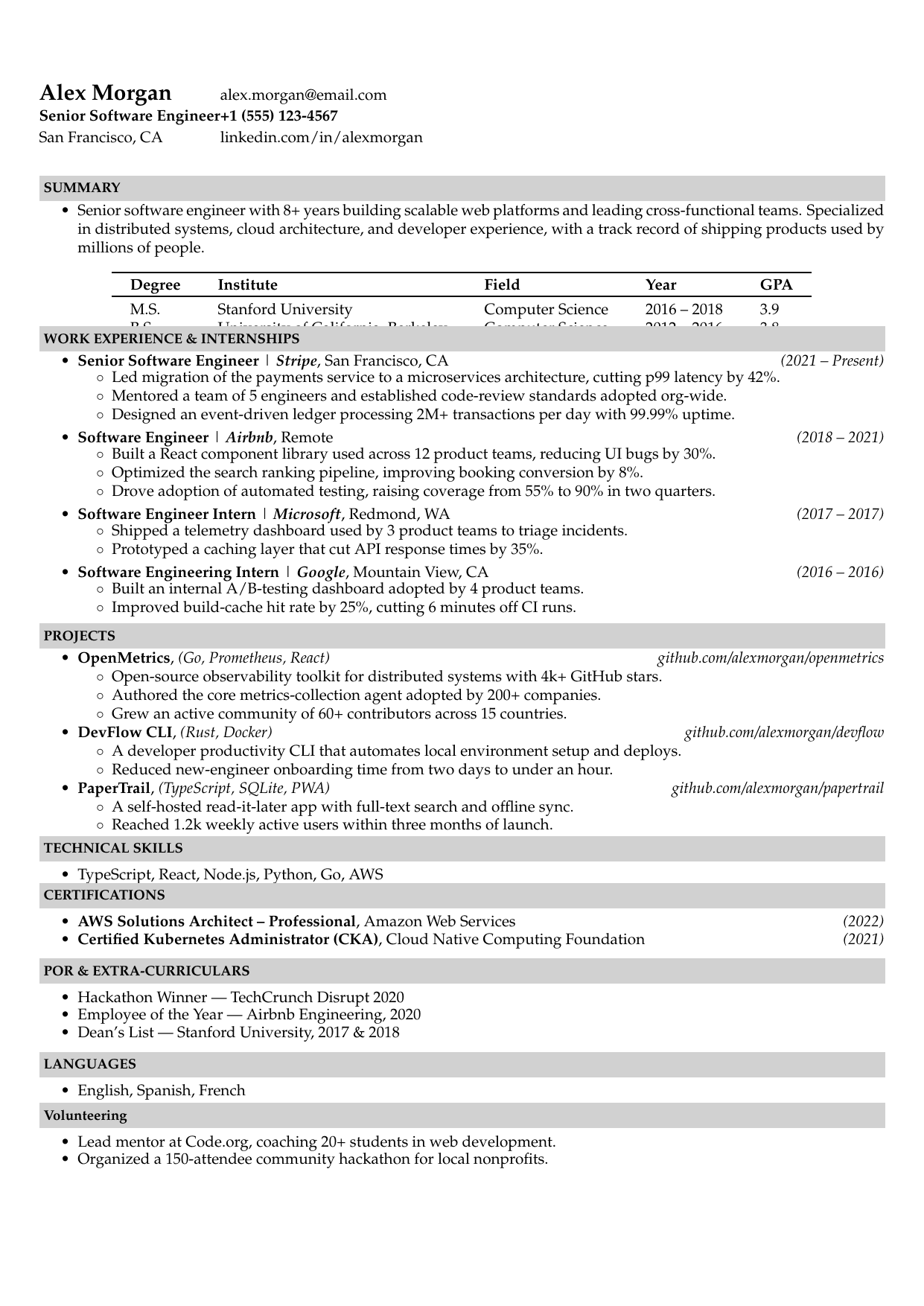
Machine Learning Engineer
Palantir
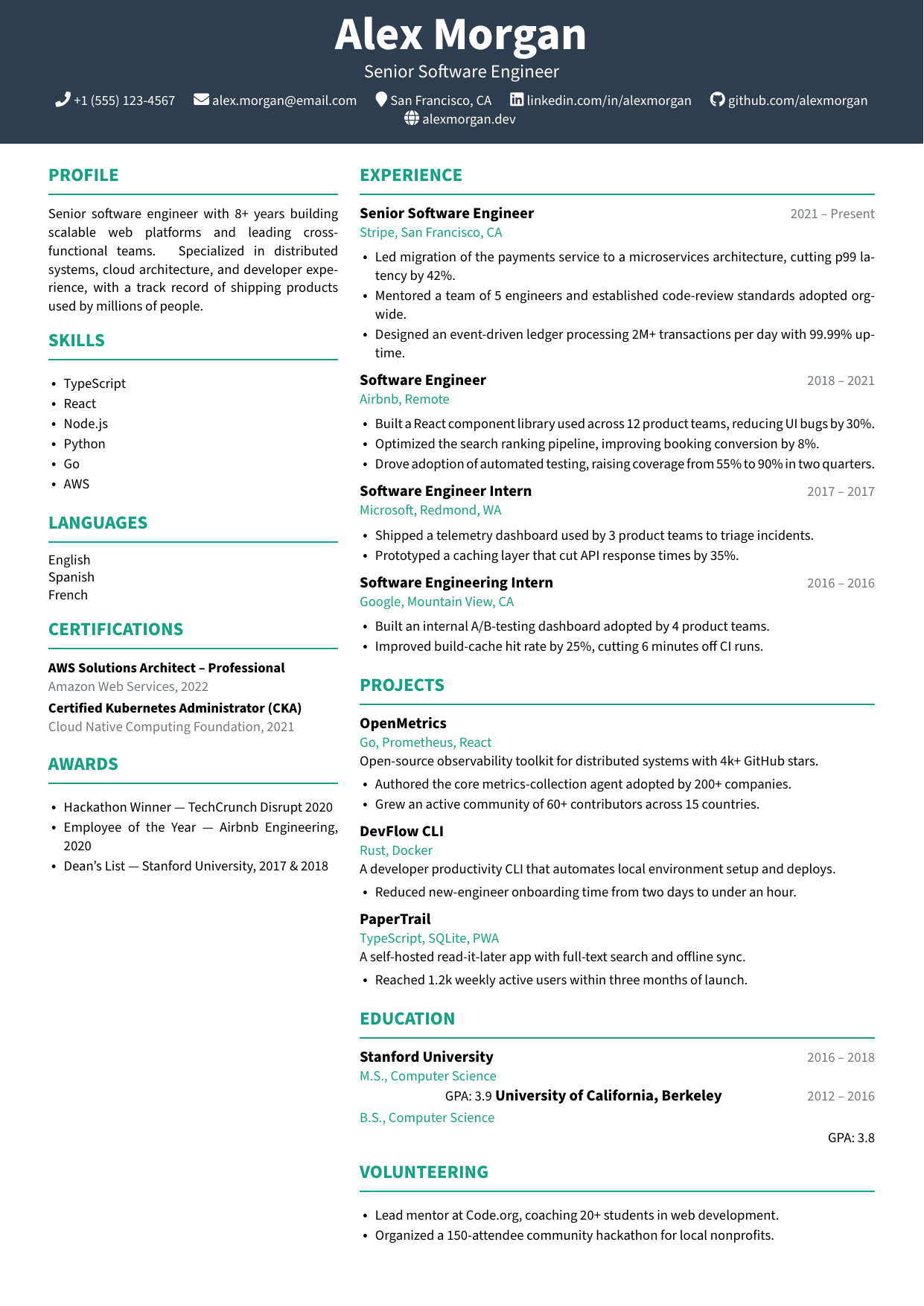
Marketing Manager
HubSpot
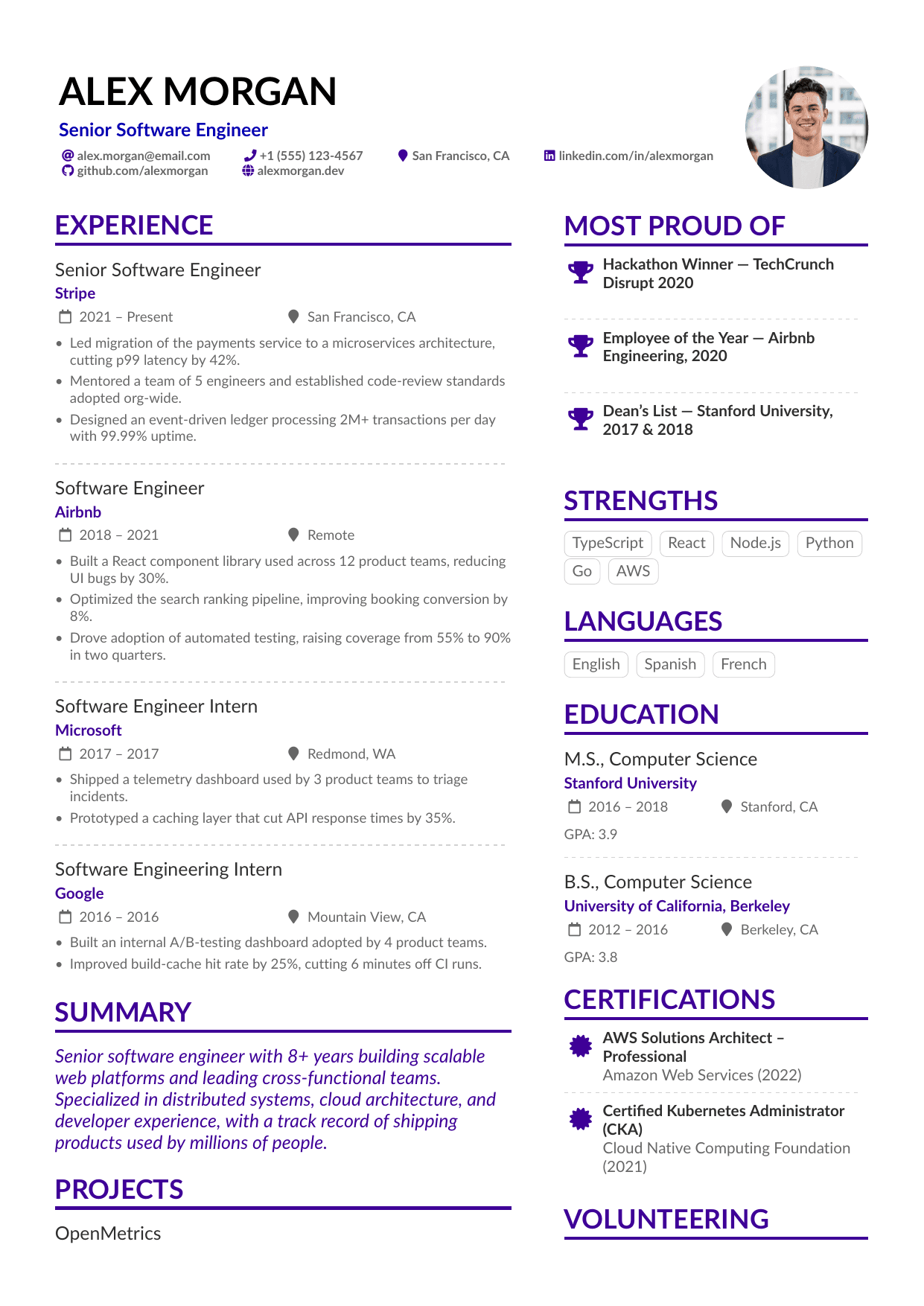
Startup Founder
Y Combinator
How to use one page resume templates
- Cut to one page by trimming old roles to one line each, not by shrinking the font below 10pt.
- Lead with your strongest section — recent experience or projects — and drop filler like 'references available on request'.
- Keep margins at 0.5–0.75in; the dense formats here are designed for exactly that.
- Senior candidates with 10+ years can use two pages — one page is a guideline for early and mid careers, not a law.
FAQ
- Should a resume be one page?
- For most candidates under about ten years of experience, yes — recruiters spend seconds on a first scan, and a tight single page reads stronger than a padded two. Senior candidates, academics, and federal applicants legitimately need more. If you're a student or fresher, one page is the expected format.
- How do I fit my resume on one page?
- Prioritize ruthlessly: keep the last two or three roles detailed, compress older ones to a single line, cut duplicate skills, and delete objective statements. Use a dense template built for one page rather than shrinking fonts or margins by hand — the designs here handle the spacing for you.
- Are one-page resume templates ATS-friendly?
- The single-column one-page formats here parse cleanly — page count doesn't affect ATS parsing, layout does. A dense single column with standard headings extracts perfectly; the same content in a two-column squeeze may not. Pick the format by layout, then make it one page by editing content.