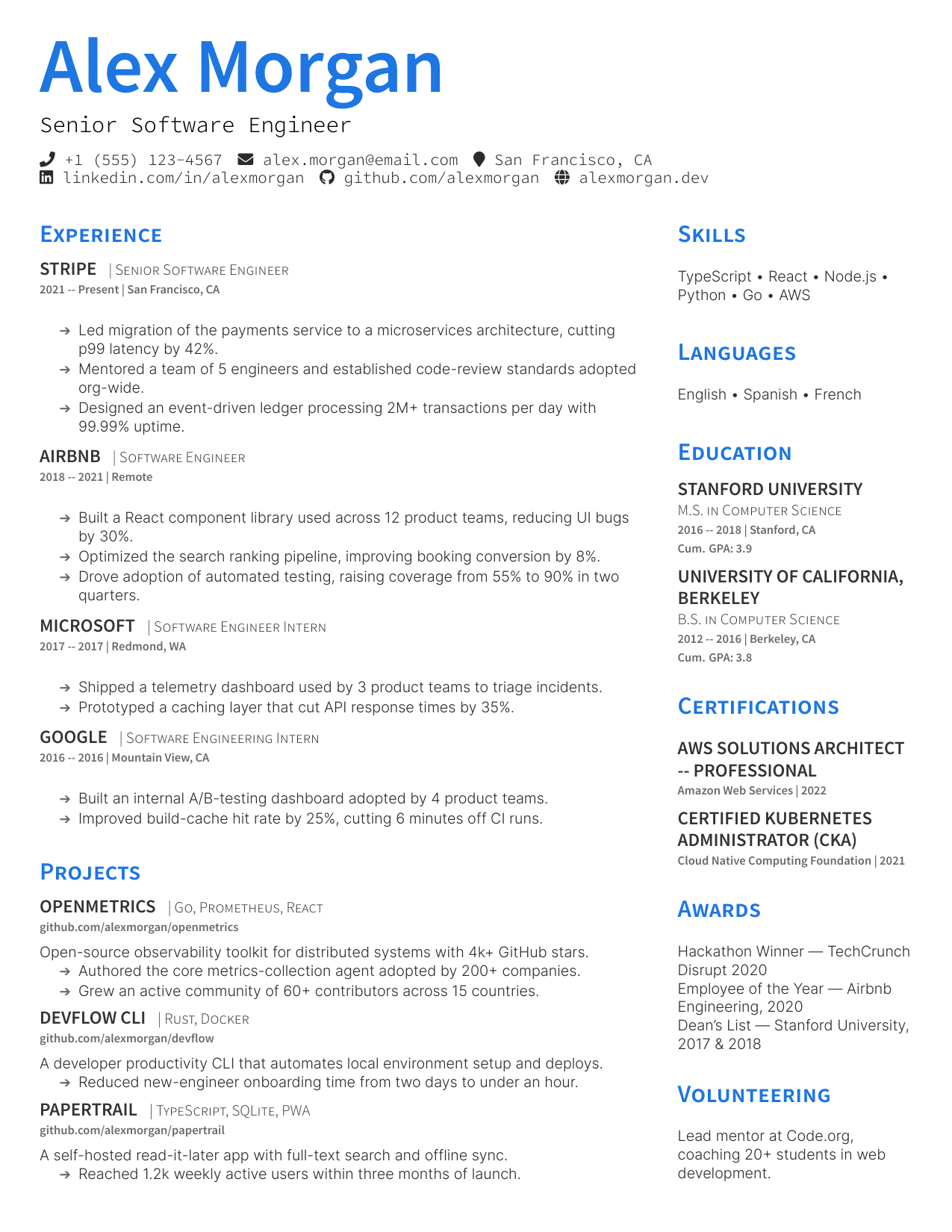
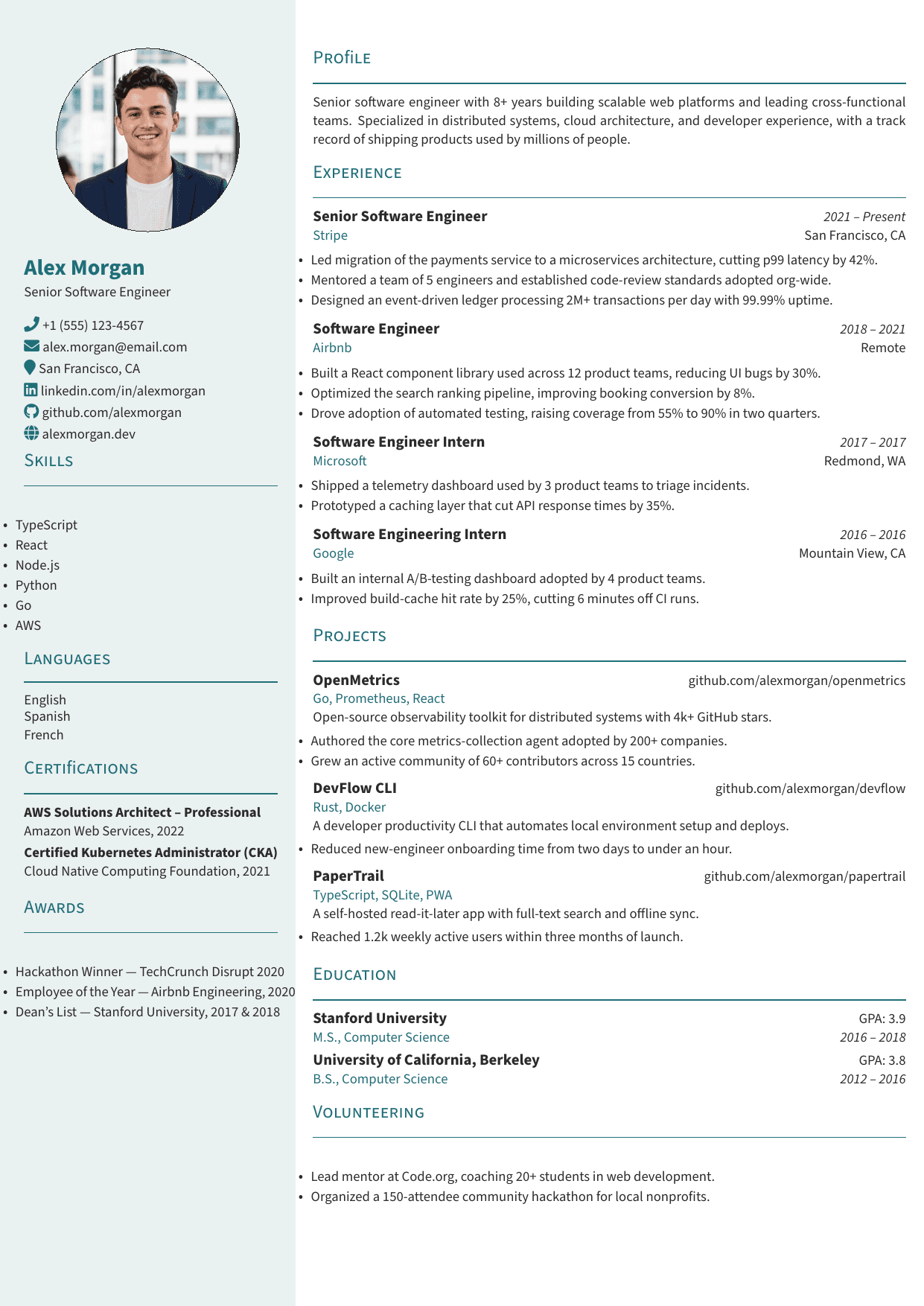
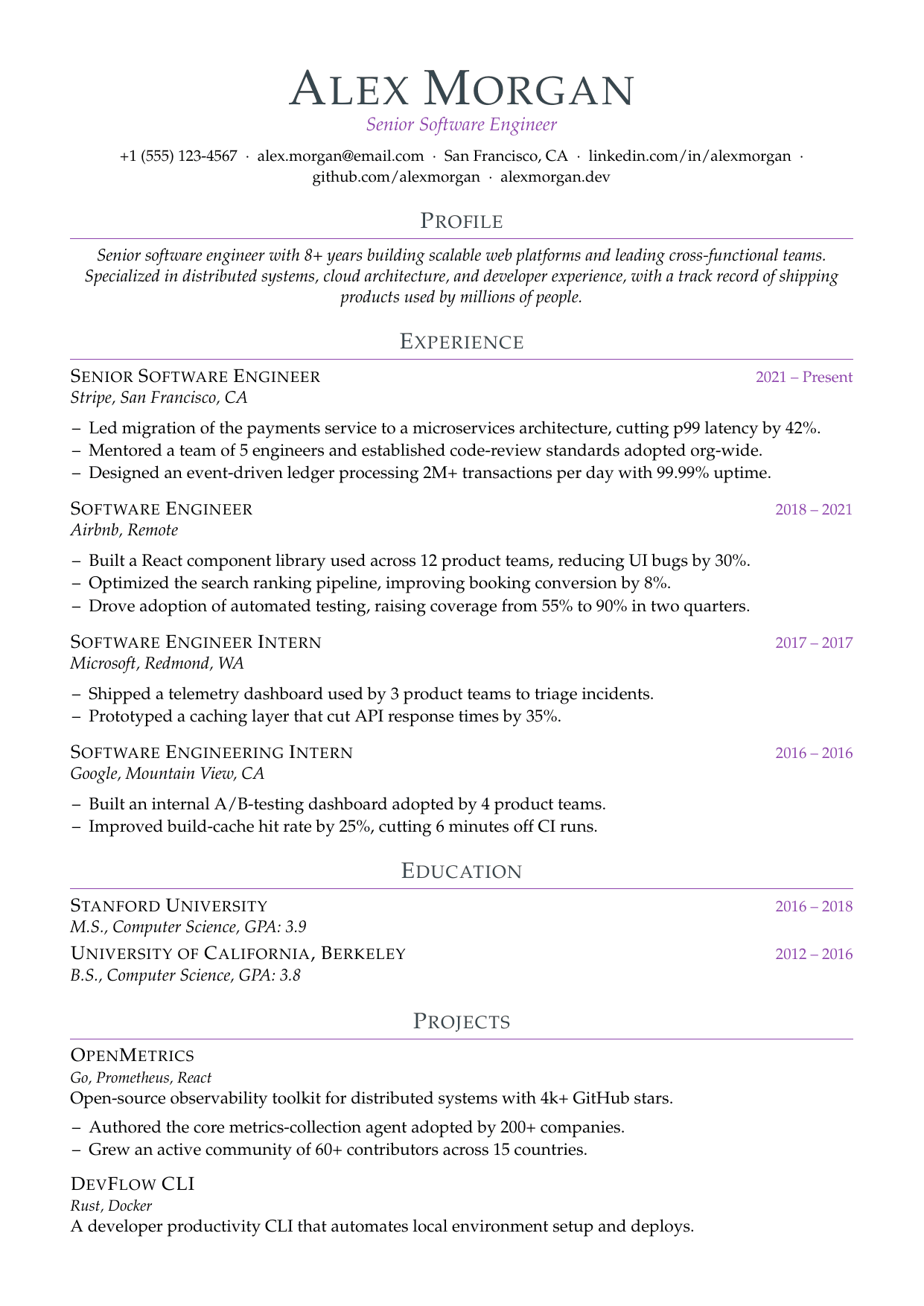
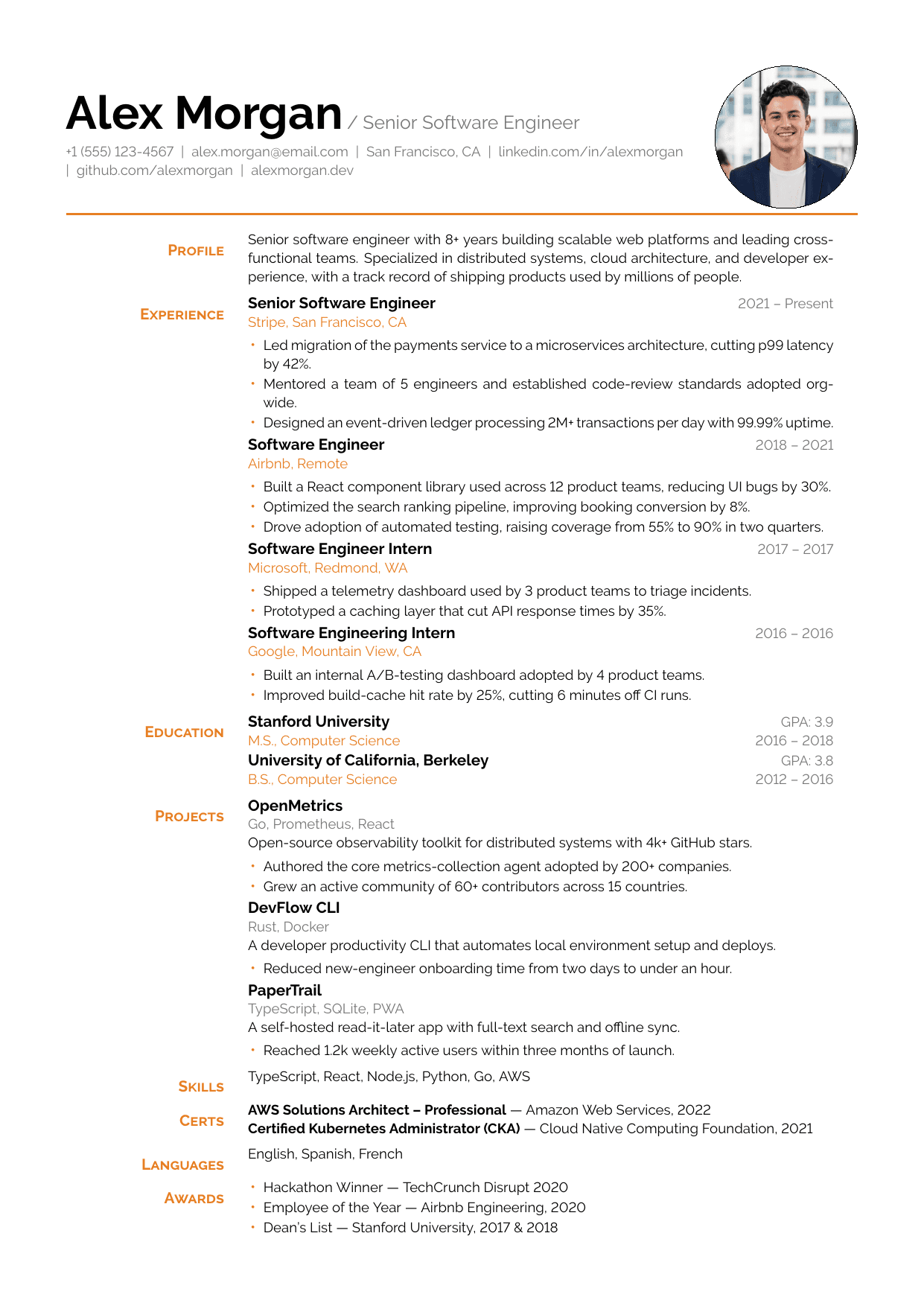
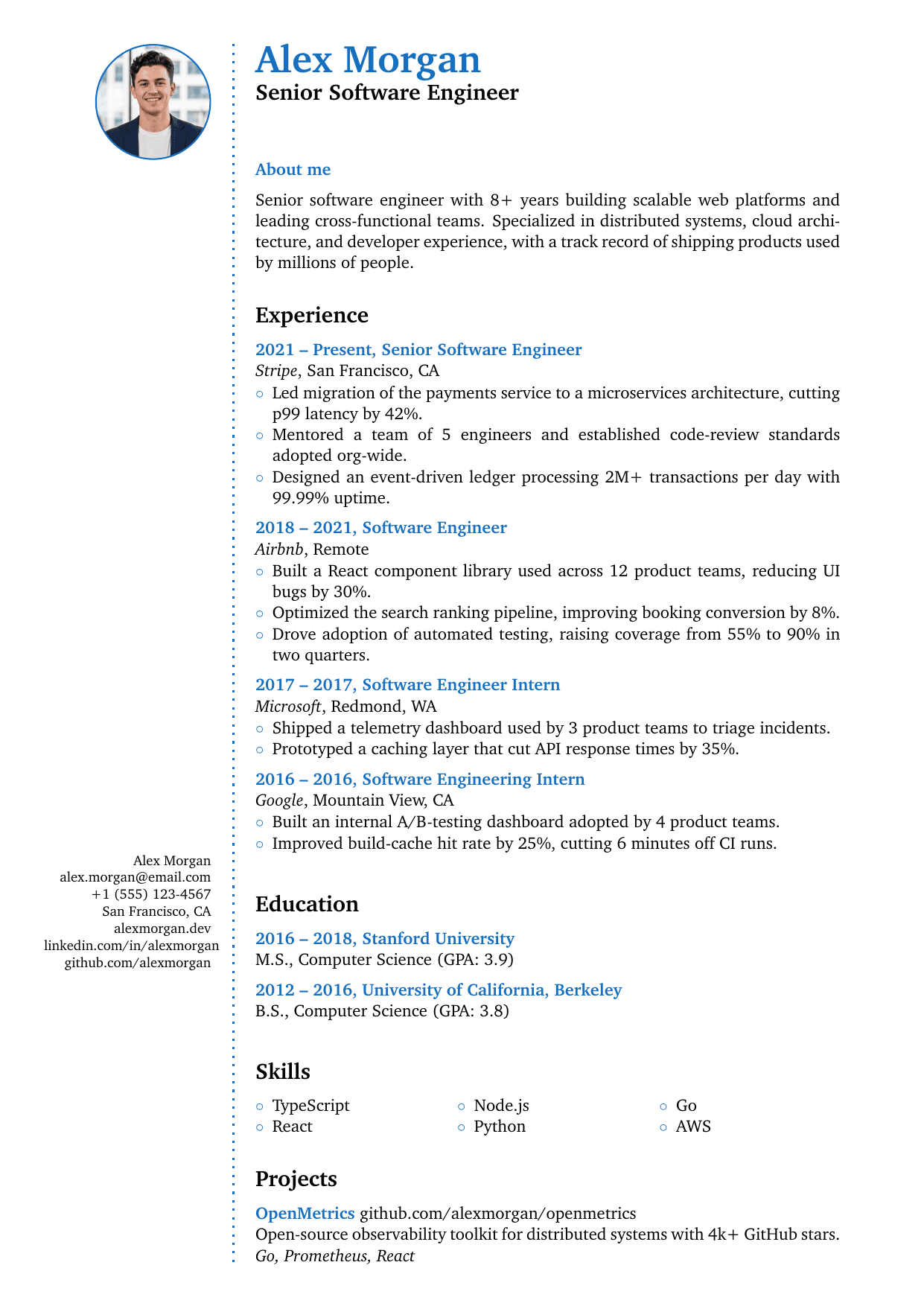
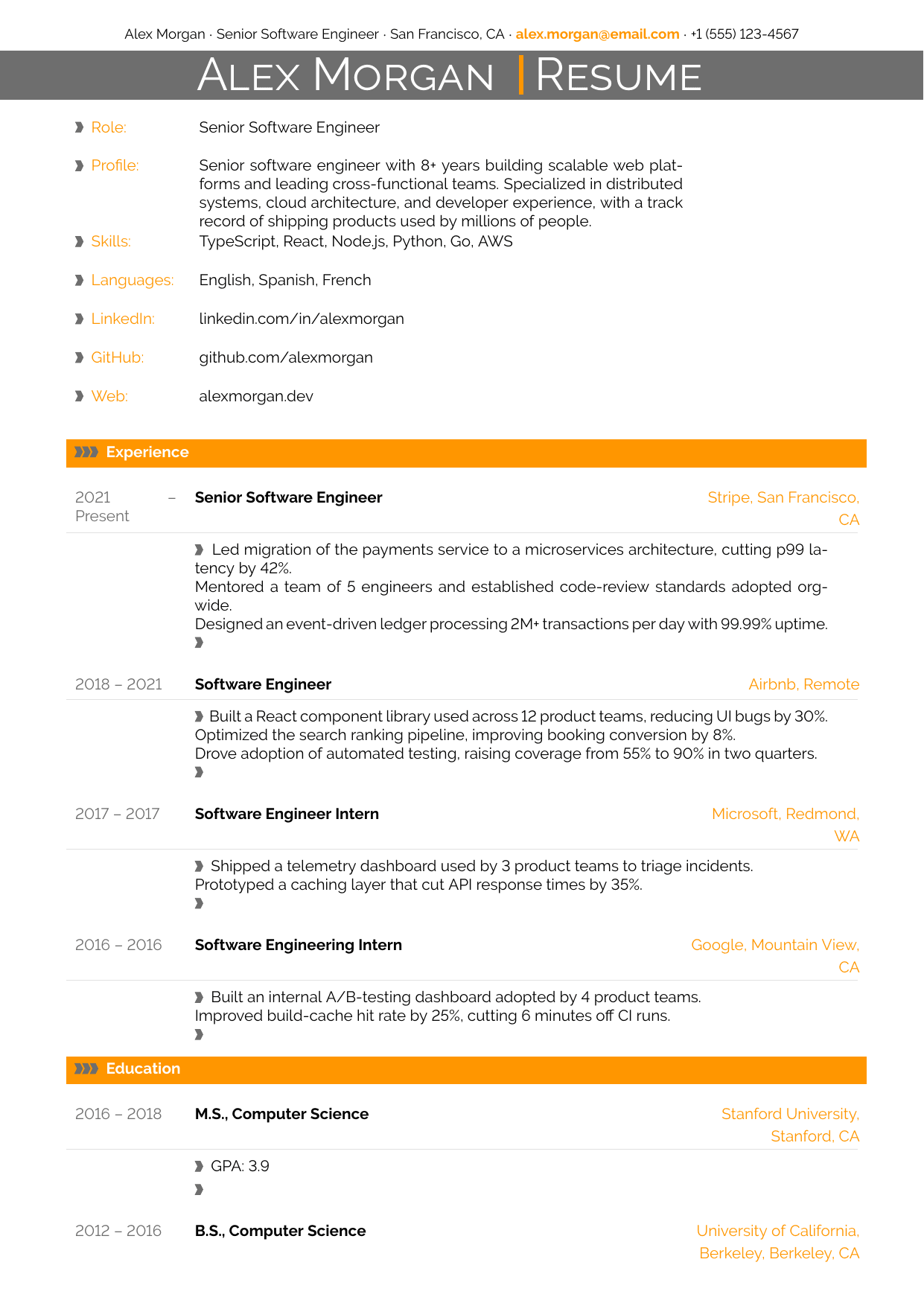
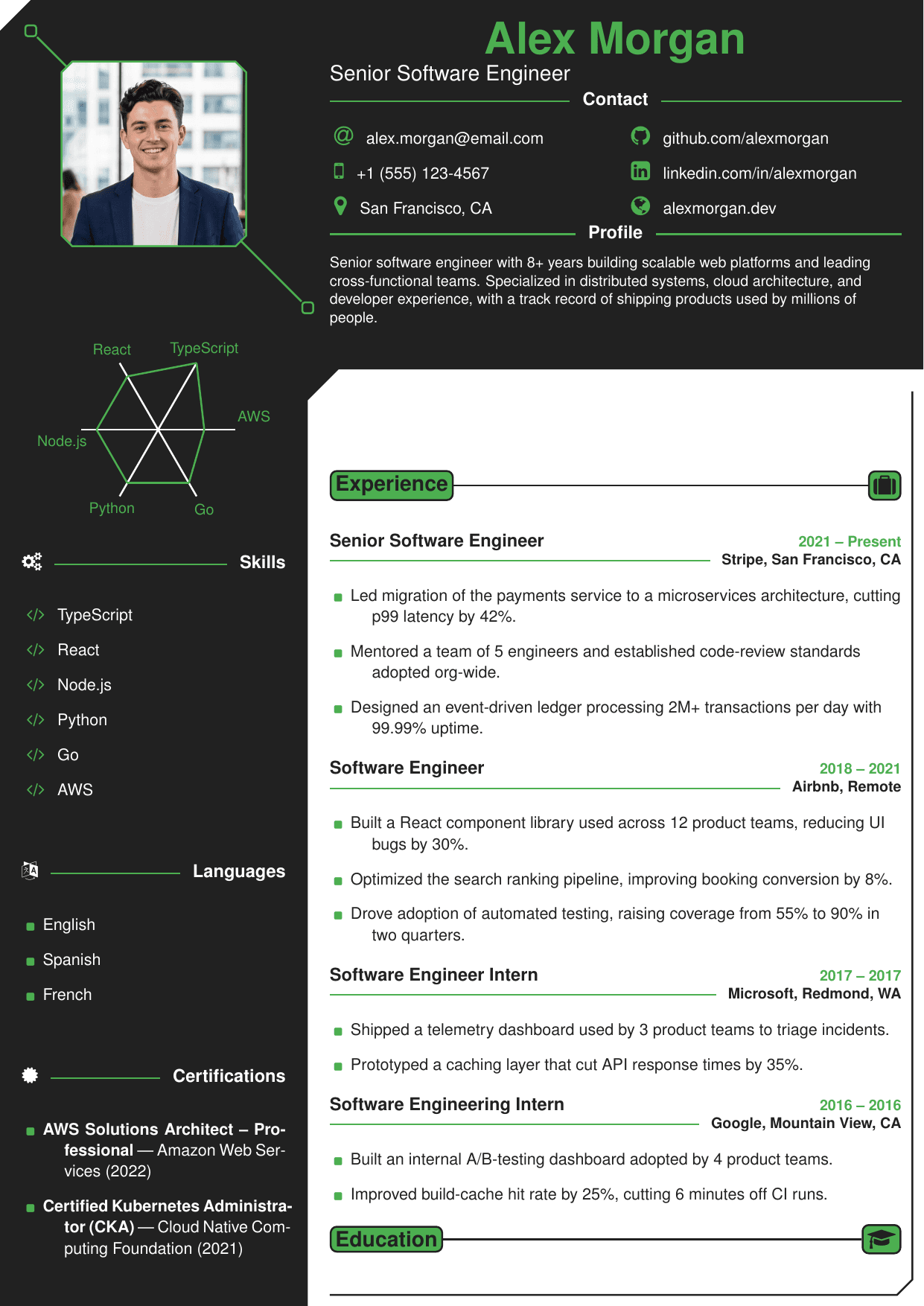
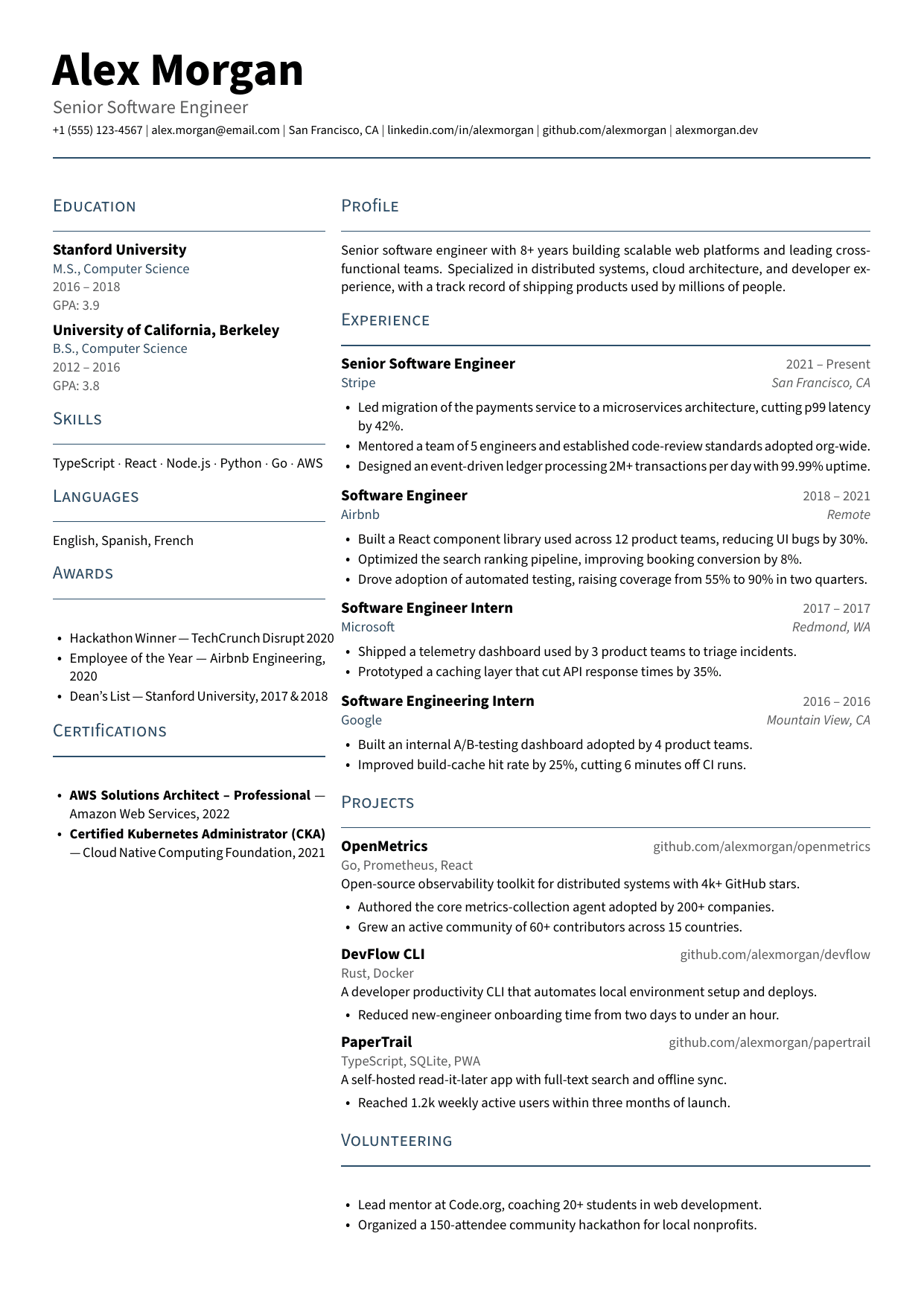
AltaCV — LaTeX resume template
Also known as: altacv.cls
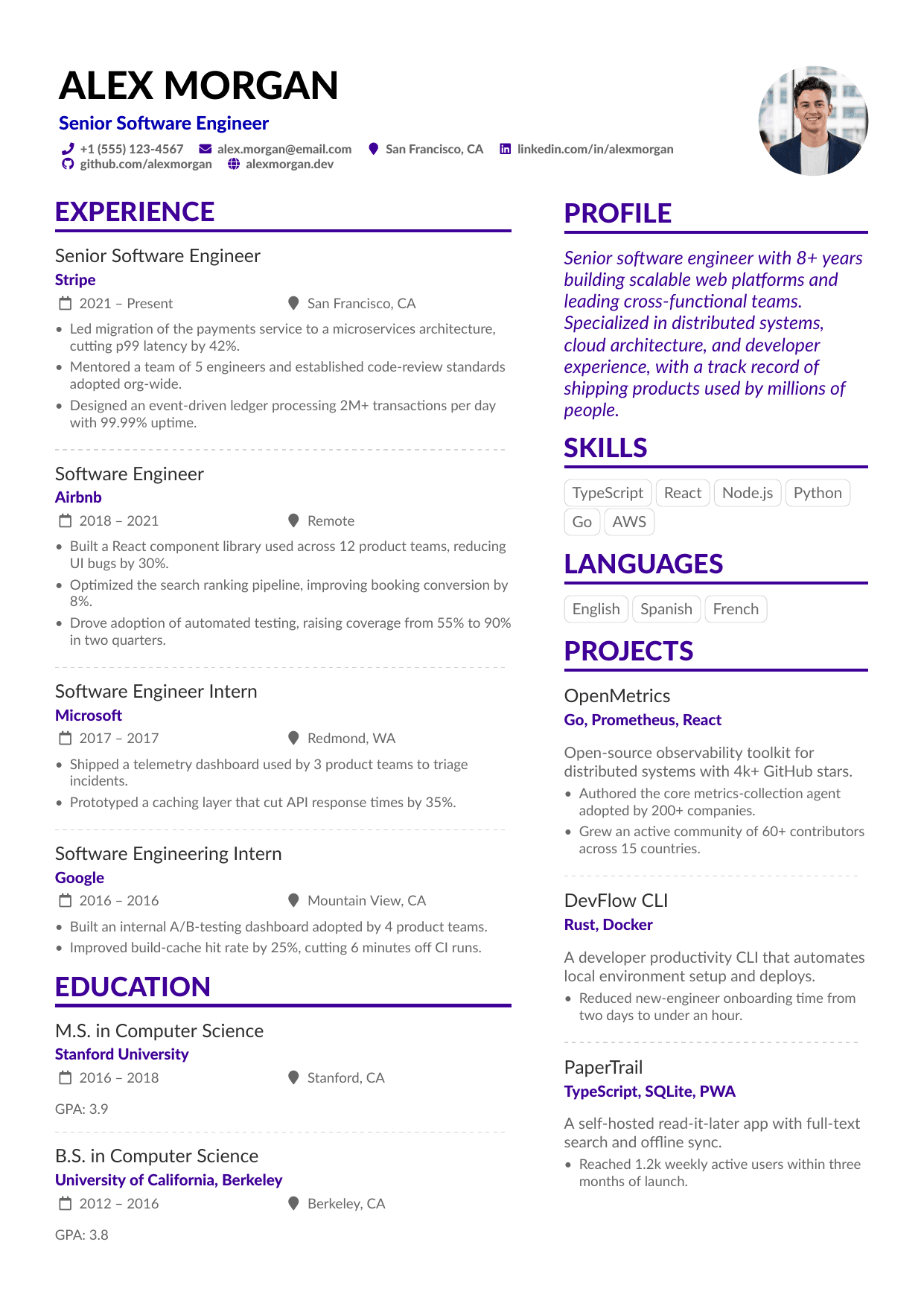
- Layout:
- Two column
- ATS parsing:
- Layout can extract out of order in strict parsers
- Style class:
- Styled
- Photo slot:
- Yes (optional)
- Best density:
- Senior / dense
- Suggested role:
- Product Designer
- Tier:
- Pro design
Who the AltaCV template is for
- Designers and product folks applying through recruiters or direct email
- Candidates who want skill tags and a photo option on one page
- Networking, career-fair, and portfolio PDFs where visual polish matters
- Anyone pairing an ATS-safe application copy with a striking human-read copy
Based on the open-source AltaCV LaTeX class by LianTze Lim, widely shared on Overleaf and GitHub.
AltaCV template FAQ
- Is AltaCV ATS-friendly?
- No. AltaCV places text in two columns, and strict ATS parsers extract that PDF text out of reading order, mixing sidebar content into your work history. Use AltaCV where a person reads the file: referrals, direct emails, portfolios, career fairs. For ATS-heavy pipelines, pick a single-column design; ResumeWizard flags the risk in the editor and suggests an ATS-safe alternative.
- Do I need to know LaTeX to use AltaCV on ResumeWizard?
- No. ResumeWizard compiles AltaCV for you in the cloud. You edit content in a structured online editor, see the two-column page update in a live preview, and download the finished PDF. Colors, tags, and the optional photo slot all work without installing a TeX distribution or touching a .cls file.
- Should I include a photo on an AltaCV resume?
- AltaCV's photo slot is optional. For US applications, most advice is to skip the photo; recruiters and employers often prefer resumes without one, and automated systems ignore it. In markets where photos are customary, the circular slot integrates cleanly. On ResumeWizard you can toggle the photo on or off and download either version of the PDF.